Article #1 of a 3 part series
If you’ve been building Agentic systems lately, you’ve likely hit the “Chat Wall.”
Chat works perfectly — until it doesn’t. The moment your agent needs to collect structured input, guide a user through a multi-step workflow, or present complex results for review, pure text starts to strain.
Usually, we compensate by bloating our prompts with fragile formatting instructions or hard-coding UI logic where it doesn’t belong. This is the gap A2UI (Agent-to-UI) is designed to bridge. It’s a new way to think about how humans and agents collaborate, and if you’re building in this space, it’s worth understanding.
What exactly is A2UI?
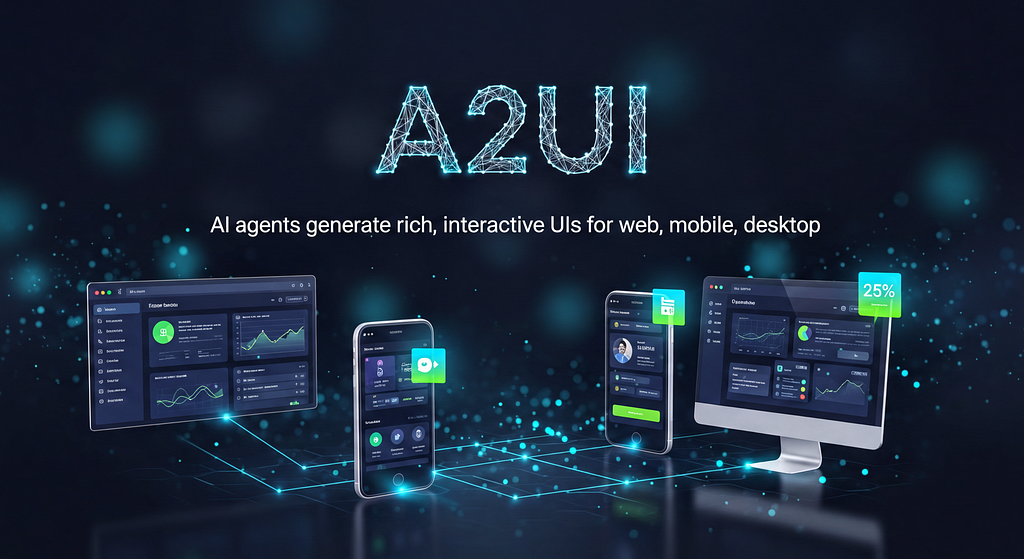
At its core, A2UI is a declarative protocol for agent-driven interfaces. It allows agents to drive interactive user interfaces by emitting structured JSON messages rather than raw code.
Think of it as the contract layer for the frontend. Instead of an agent trying to “hallucinate” HTML or executable JavaScript, it sends a JSON manifest describing its interaction intent.
- The Agent declares what interaction is needed by referencing components from a trusted catalog (e.g., a DateTimeInput and a Button).
- The Renderer (Web, Mobile, or Desktop) decides how that appears using native components.
This separation is the foundation of the protocol: the agent provides the “what” and the “data,” while the client maintains control over security, accessibility, and styling.
The Interaction Loop: Message → Render → Event
To understand A2UI, you have to look at the loop it introduces. It moves away from the “static response” model and toward a living system:
- Emit: The Agent sends a message (JSON) describing surfaces, components, and data bindings.
- Render: The Renderer (the client) turns that JSON into native UI.
- Interact: The User interacts with those components (clicks a button, types a value).
- Signal: The Renderer sends those interactions back to the agent as typed userAction events.
- Reason: The Agent consumes the event, reasons about it, and updates the UI accordingly.
This makes interactions predictable, testable, and safe. It isn’t “AI writing code” — it’s an AI participating in a well-defined interaction contract.
Lessons from the Quickstart
If you run the A2UI Quickstart locally, the experience immediately feels different from a typical chat demo.
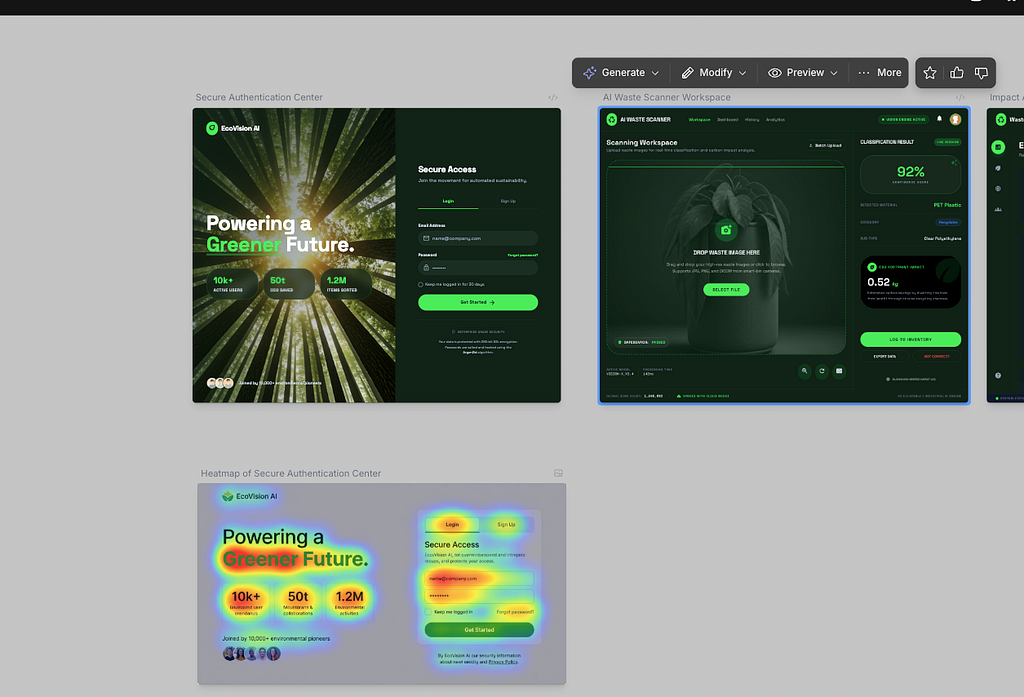
When you ask the restaurant agent to “Book a table for 2,” the interface doesn’t just scroll text. It transforms. A form appears. Time slots become selectable.
What’s important isn’t how impressive this looks — it’s how controlled it feels.
Under the hood, the agent is emitting A2UI messages that explicitly specify:
- which surface to update,
- which components should be present,
- how data should bind to inputs,
- and which events the user is allowed to trigger.
The client doesn’t decide what to show; it doesn’t interpret intent. It simply renders what the agent declares.
When you click a button or submit a form, that interaction flows back to the agent not as free-form text, but as a typed event. The agent receives that event and continues reasoning from there.
Once you notice this loop, the Quickstart stops feeling like “AI-generated UI” and starts looking like a well-defined interaction contract in action.
A Shift in Mental Models: Interaction Surfaces
One practical way to reason about A2UI is to think in terms of interaction surfaces.
Conversation surface
This is where chat still excels: explanations, narration, context-setting, guidance.
Action surface
This is where A2UI shines: forms, buttons, confirmations, structured input — moments where ambiguity is costly.
Evidence surface
This is where results live: summaries, status updates, artifacts, intermediate outputs.
The most successful agentic apps move fluidly between these surfaces. They don’t force a complex booking form into a chat bubble, and they don’t use a rigid UI for a simple question.
Once you start designing interactions this way, A2UI stops feeling like a UI layer and starts feeling like an architectural tool.
State: Where Most Designs Go Wrong
The most common failure mode with A2UI isn’t rendering — it’s state.
A simple way to reason about it:
- Agent state is about reasoning and decisions
- UI state is about what the user has selected or entered
- System state is about persisted facts and records
A2UI lives at the boundary between agent state and UI state.
Problems arise when those boundaries blur — when UI selections are assumed instead of signaled, or when agents implicitly depend on what the UI “must” be showing.
A2UI works best when:
- UI state is explicit,
- user actions are sent back as structured events,
- and the agent treats those events as signals, not instructions.
When A2UI Is the Right Tool
A2UI is most valuable when interactions:
- Span multiple steps.
- Require intent confirmation.
- Involve partial results or review.
- Include human judgment in the loop.
It’s less compelling when the interaction is purely conversational or simplicity matters more than structure. This isn’t about using A2UI everywhere; it’s about using it where chat alone becomes brittle.
Why This Matters Now
Agents are becoming more autonomous.
As soon as an agent can take actions with real consequences, the question shifts from “Did the model respond correctly?”to “Did the user understand and approve what happened?”
That’s an interaction problem, not a modeling one.
A2UI doesn’t solve that problem automatically — but it gives you a clean, explicit place to solve it without embedding UI logic into prompts or leaking control flow into chat.
Looking Ahead
This first post focused on orientation — understanding what A2UI is, how it behaves in practice, and where it fits once you move past the Quickstart.
In the next part, we’ll stay grounded in real systems and look at how these interaction contracts hold up as workflows become more complex.
And after that, we’ll bring everything together in a concrete use case
Closing Reflection
A2UI isn’t about making agents prettier.
It’s about making interaction explicit as agents move beyond chat and into real workflows.
A2UI: Understanding Agent-Driven Interfaces was originally published in Google Cloud – Community on Medium, where people are continuing the conversation by highlighting and responding to this story.
Source Credit: https://medium.com/google-cloud/a2ui-understanding-agent-driven-interfaces-2ce79201d27a?source=rss—-e52cf94d98af—4
About the Author