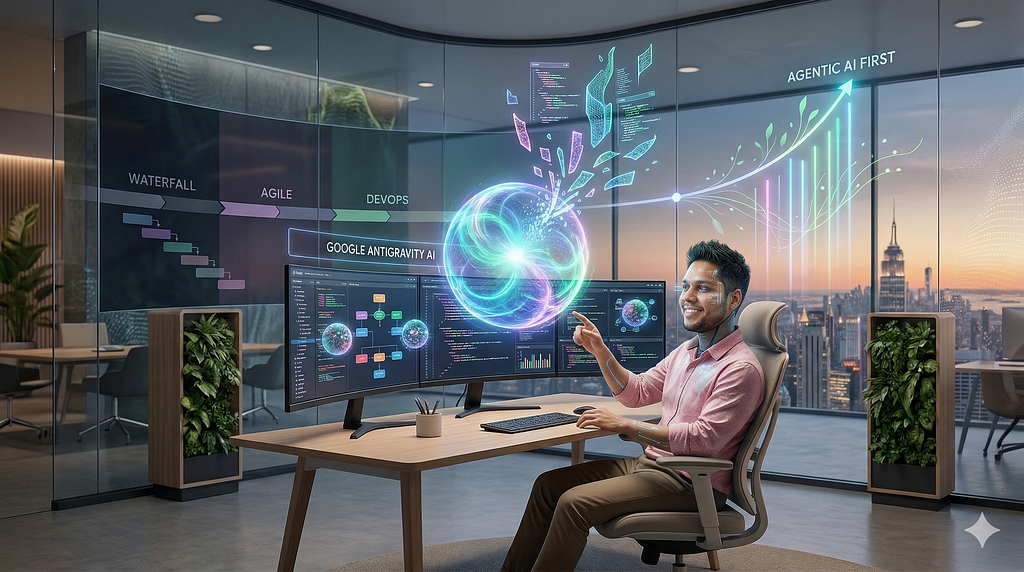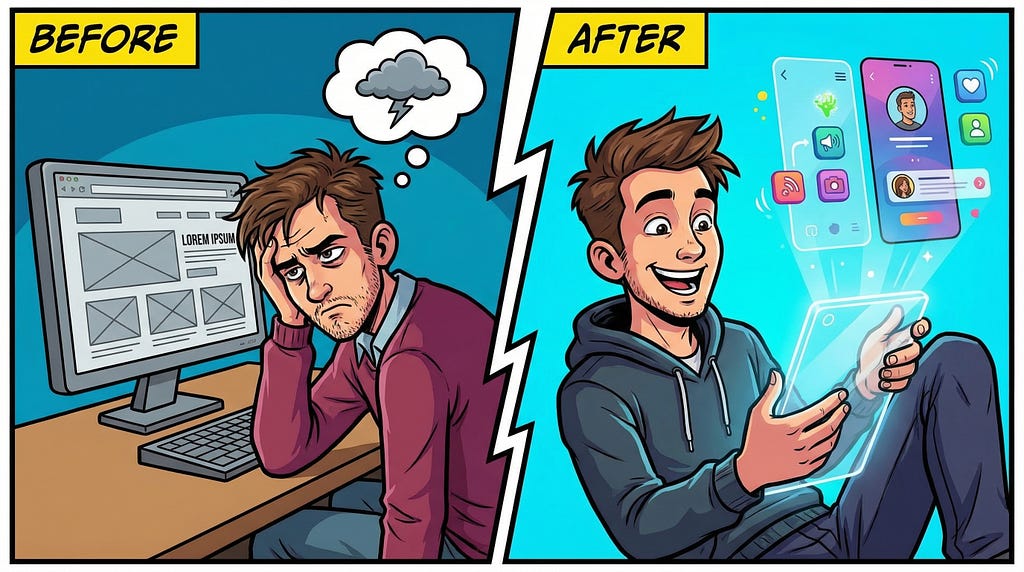
The era of manual, pixel-pushing UI design is officially behind us. Why spend hours fiddling with CSS properties when you could be building the important parts of your app?
In a recent walkthrough demo, I provided a glimpse of the modern, AI-assisted software development lifecycle in action. I took an existing application of mine, an AI-powered item appraiser, and completely overhauled its design and codebase in minutes using Google’s updated toolset.
https://medium.com/media/d2b0974a0e27987a72114c603e003c2d/href
If you’ve been tracking the rapid releases this week (specifically the massive updates from Google Labs and AI Studio), you know that “vibe coding” and “vibe designing” are the new standards. We’ll explore the 3-step workflow I demonstrated, focusing on my AI Appraiser web app, Stitch, and Google AI Studio.
The baseline: My AI Appraiser web app
To understand the transformation, we need to discuss the original app.
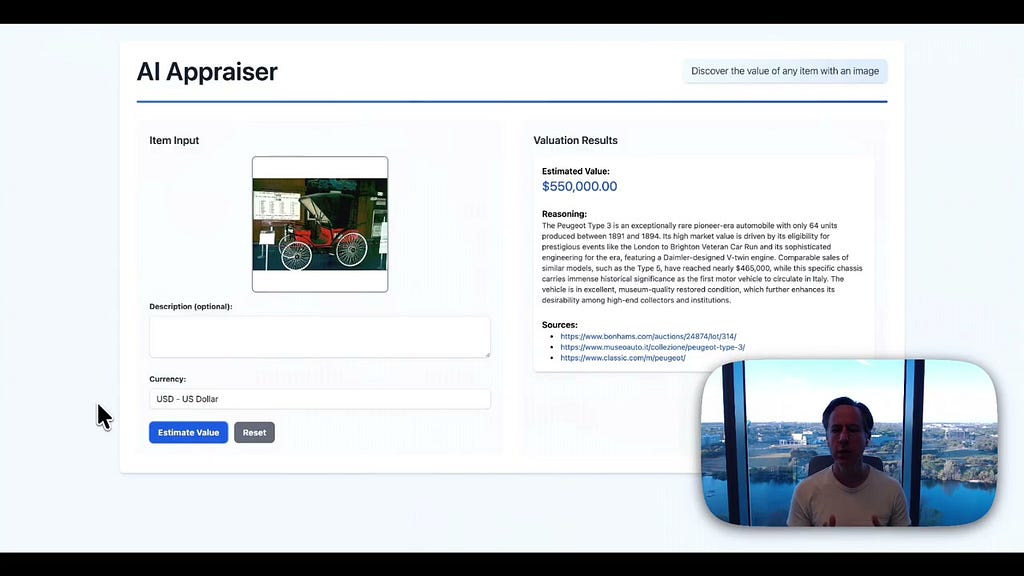
AI Appraiser is a multimodal web application that allows users to upload an image of a household item or collectible. Behind the scenes, it leverages Gemini 3.1 Pro to estimate the market value of the item. Rather than just outputting a number, the app uses Gemini to provide its reasoning, evaluation metrics, and the direct sources it used to make its appraisal (and admittedly, it’s pretty fun to use on random items you have around the house).
My goal was to give this app a major visual and architectural refresh without writing the UI or frontend code from scratch.
Step 1: Vibe designing with Google Stitch
The first major leap in the workflow happens in Stitch. Originally an experiment for generating UI from text, Stitch received a massive update, transforming it into a full-fledged AI-native software design canvas.
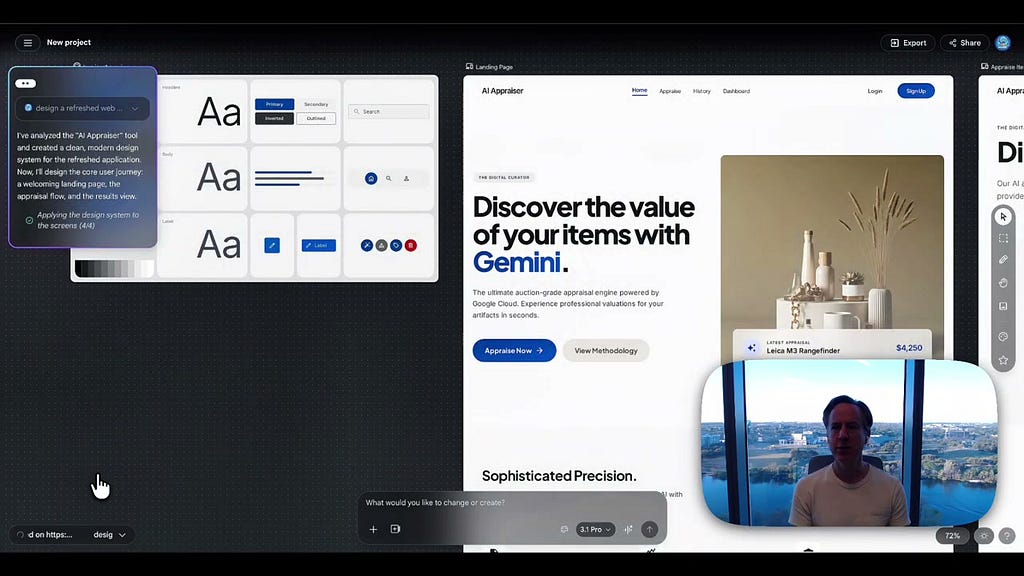
In the demo, I took a unique approach to prompting. I simply pointed Stitch to my existing blog post explaining the AI Appraiser’s architecture. By using this article as application context and selecting the latest Gemini 3.1 Pro model, Stitch was able to digest the full context of the app.
Instead of just spitting out flat static screens, Stitch generated an entire design system complete with custom color palettes and iconography. It built out the main user journey, including a welcoming landing page, the submission interface, the estimated market value result screen, and a new history capability.
It even surprised me with a brand-new screen that wasn’t in my original app: a photography guide. This genuinely helps users take better photos of their items for more accurate AI appraisals.
Step 2: Vibe coding in Google AI Studio
With a high-fidelity design locked in, I moved from vibe designing to vibe coding. By utilizing Stitch’s export capabilities, I shipped the generated screens and design flows directly into Google AI Studio.
Google has completely overhauled AI Studio to include a new vibe coding experience powered by the new Antigravity agent. As outlined in the official Google AI Studio Build mode documentation, the Antigravity agent maintains context of your entire project to build full-stack applications.
In the demo, you can see AI Studio generate a TypeScript frontend codebase. Because the Antigravity agent executes verified code updates and formats dependencies across the full stack on the fly, the generated TypeScript code is clean and functional.

Step 3: Vibe deploying to Google Cloud Run
The final piece of the puzzle is taking this newly minted TypeScript application and going live. Historically, this meant wrestling with Dockerfiles, CI/CD pipelines, and infrastructure provisioning.
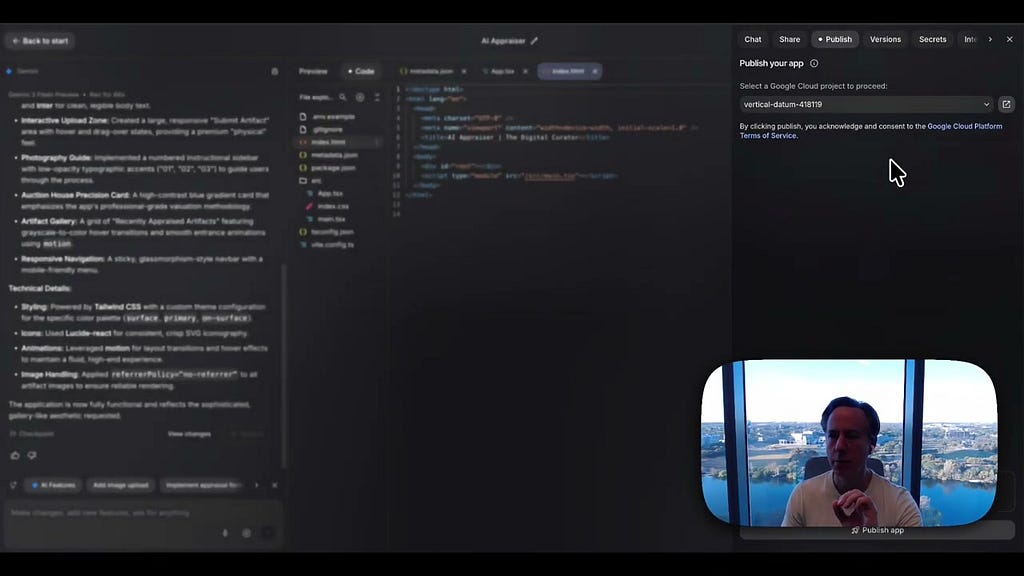
In the new AI Studio workflow, this is reduced to a single click. I hit “Publish” and routed the application directly to my Google Cloud project. Specifically, the app is deployed to Google Cloud Run, Google’s serverless container platform.
Because Cloud Run scales from zero to handle massive traffic and abstracts away infrastructure management, it is the perfect target for a vibe-coded app. The deployment provisions an endpoint instantly, transforming the legacy app into a fully globally available web app in a matter of minutes.
Are you still tweaking CSS padding values by hand? Stop. Let the model handle the pixels so you can build the product. Try out Gemini 3.1 Pro in Google AI Studio today and see what it can generate from your application context.
Let’s talk about the wildest UI you’ve generated: hit me up on LinkedIn, X, or Bluesky.
How I overhauled my app UI in minutes with Stitch and AI Studio was originally published in Google Cloud – Community on Medium, where people are continuing the conversation by highlighting and responding to this story.
Source Credit: https://medium.com/google-cloud/how-i-overhauled-my-app-ui-in-minutes-with-stitch-and-ai-studio-524b965c3d45?source=rss—-e52cf94d98af—4
About the Author