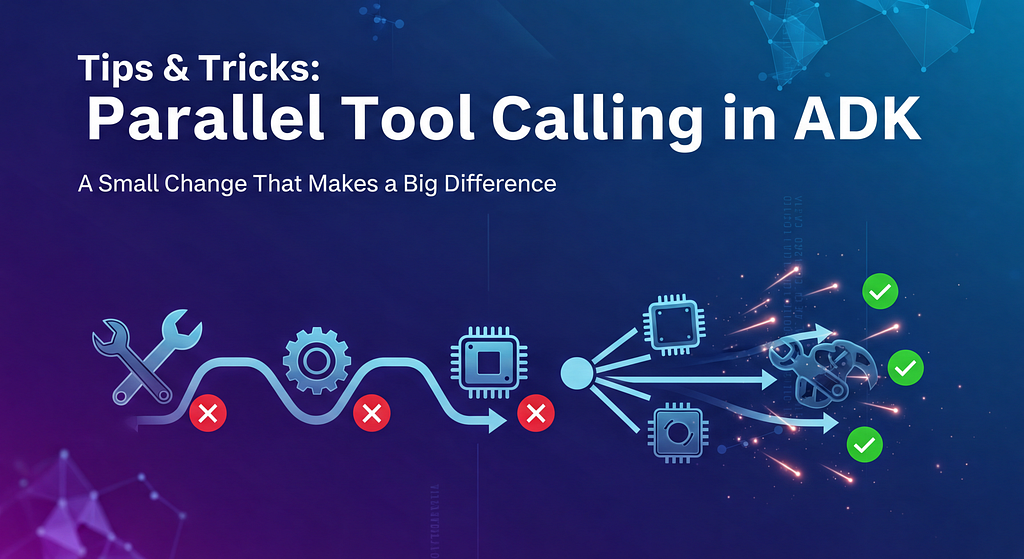
A Small Change That Makes a Big Difference
One of the easiest ways to slow an agent down is unintentionally — Not with a bad model choice or an inefficient prompt — but by calling tools one after another when they don’t need to be.
While working through the ADK performance documentation, I revisited how tool execution actually works in the Agent Development Kit (ADK), especially around parallel tool calling. The difference between before and after was subtle in code, but very noticeable in behavior.
This post walks through that shift step by step.
Before: Serial Tool Calls Add Up Quickly
In a typical agent flow, it’s common to call multiple tools in response to a single user request:
- Fetch data from an external API
- Query a database
- Run some processing logic
If these tools are executed synchronously, the agent waits for each one to complete before moving on to the next. Even if each tool is reasonably fast, the total latency becomes the sum of all tool calls.
Nothing is “wrong” here — but it doesn’t scale well as agents become more capable.
What ADK Actually Supports
Starting with ADK Python v1.10.0, ADK can execute function tools in parallel when the model requests multiple tool calls in the same turn.
However, this only works if the tools themselves are written in a way that allows concurrency.
This is where performance often gets left on the table.
Step 1: Prefer async tools for I/O
For I/O-bound work (HTTP calls, database queries), tools should be defined as async functions. This allows ADK to schedule them concurrently instead of blocking the event loop.
In Python code, this means using async defand await syntax which allows the ADK to run them concurrently in an asyncio event loop.
Here is the example pattern for a HTTP Web Call
 async def get_weather(city: str) -> dict:
      async with aiohttp.ClientSession() as session:
          async with session.get(f"http://api.weather.com/{city}") as response:
              return await response.json()
Once tools are async, ADK can execute multiple tool calls in parallel when the model requests them together.
Step 2: Avoid blocking the event loop
If a tool has a long loop, add yield points so other tools can run. ADK’s doc explicitly recommends asyncio.sleep(0)for this.
async def process_data(data: list) -> dict:
    results = []
    for i, item in enumerate(data):
        processed = await process_item(item)
        results.append(processed)
        if i % 100 == 0:
            await asyncio.sleep(0)
    return {"results": results}
This small addition makes a big difference when multiple tools are active.
Step 3: Offload CPU-heavy work to a thread pool
For CPU-intensive operations, async alone isn’t enough. The recommended approach is to use a thread pool so the event loop stays responsive:
async def cpu_intensive_tool(data: list) -> dict:
    loop = asyncio.get_event_loop()
    with ThreadPoolExecutor() as executor:
        result = await loop.run_in_executor(
            executor,
            expensive_computation,
            data
        )
    return {"result": result}
This allows compute-heavy work to run in parallel without blocking other tools.
Step 4: Nudge the model to call tools in parallel
Prompt instructions can explicitly encourage parallel function invocation where tool calls are independent.
Example directive:
“When users ask for multiple pieces of information, always call functions in parallel.”
The After Effect
With these changes in place:
- Independent tools can run concurrently
- Overall agent latency is no longer the sum of each tool’s runtime
- The agent feels more responsive without changing its logic or prompts
The agent didn’t become “smarter” — it became more efficient.
What I Took Away
Parallel tool calling in ADK isn’t a special feature you turn on.
It’s a capability you unlock by writing parallel-friendly tools.
Small choices — async functions, yielding in loops, using thread pools — compound quickly as agents grow more capable and call more tools per turn.
If you’re building agents that feel slower than expected, this is one of the first places I’d look.
Tips & Tricks: Parallel Tool Calling in ADK was originally published in Google Cloud – Community on Medium, where people are continuing the conversation by highlighting and responding to this story.
Source Credit: https://medium.com/google-cloud/tips-tricks-parallel-tool-calling-in-adk-edc9eebf6954?source=rss—-e52cf94d98af—4
About the Author