Sep 24, 2026
/
By Ksenija
/
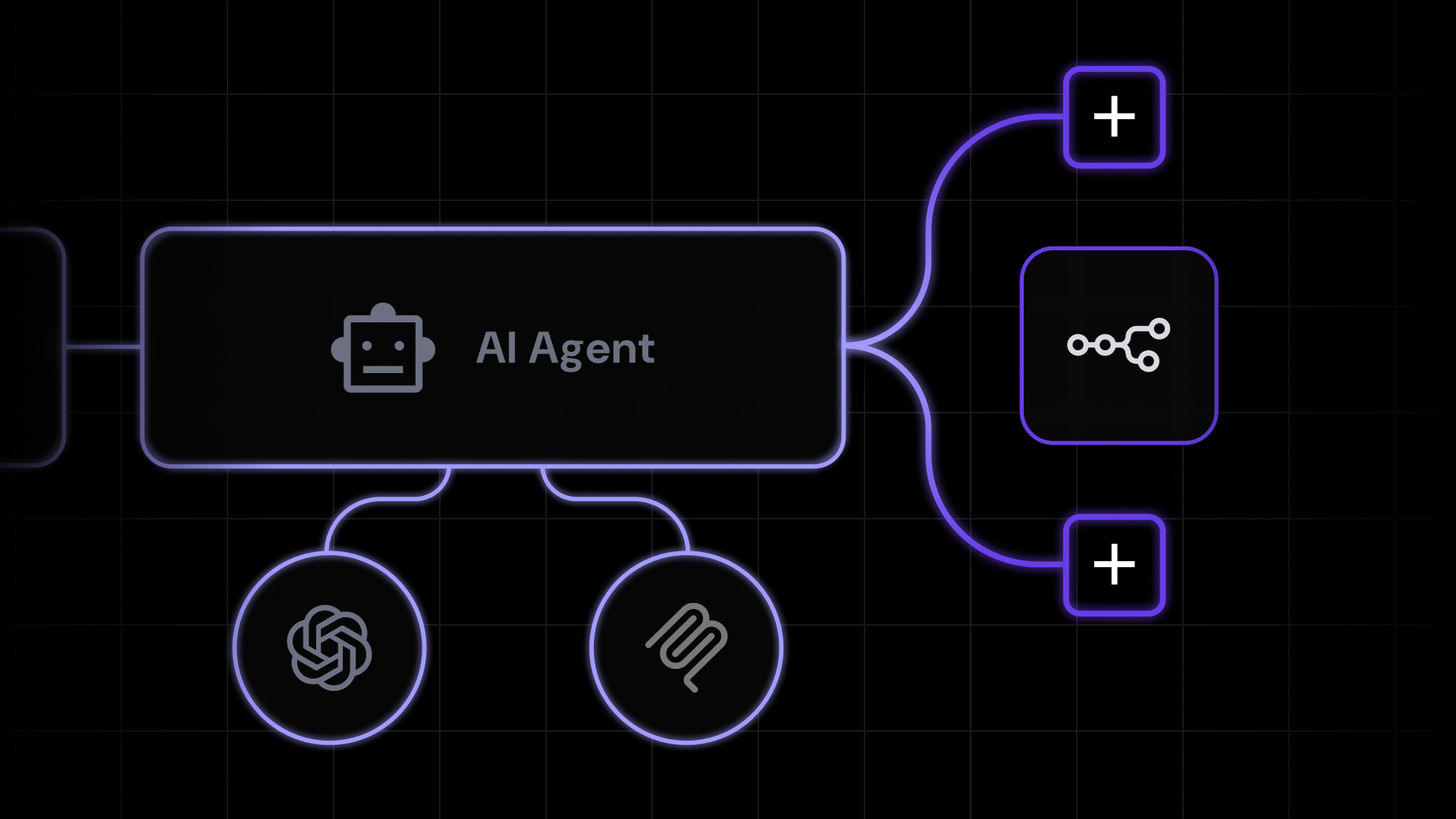
AI agent integrations are connections that let AI agents access external systems to retrieve information and perform actions.
They connect agents to tools such as CRMs, databases, email platforms, and business applications, giving them access to current data and capabilities outside their own environment.
For example, a customer support agent could use a CRM integration to retrieve a customer’s account details and a support platform integration to access previous conversations.
It could then use the support integration to send a reply or update the ticket. The available information and actions depend on the access each integration provides: read access lets the agent retrieve information, while write access lets it create, update, or send information to the connected system.
Agents can connect to external systems in several ways, including RAG, tool calling, direct APIs, MCP, and unified APIs.
The right approach depends on what information the agent needs to access, what actions it needs to perform, and how those connections need to be controlled.
How AI agent integrations work
AI agent integrations work by passing requests and results between an agent and a connected external system, such as a CRM, calendar, database, or email platform.
Authentication verifies the connection, while permissions determine what information the agent can retrieve and what actions it can perform.
When AI agents need to interact with a connected system, the integration works like this:
- The agent sends a request through the integration. For example, to reschedule a customer meeting, it might request the customer’s details from a connected CRM.
- The integration authenticates the request. Credentials such as an OAuth token or API key verify that the connection is authorized.
- Permissions determine what is allowed. The integration checks whether it has access to the requested data or action. It might be allowed to view calendar events, for example, but not modify them.
- The integration communicates with the external system. It sends the request using a supported connection method, such as an API, and receives the requested data or action result.
- The result returns to the agent. The CRM might return the customer’s details, while a calendar integration could return available meeting times.
- Additional requests can follow. Once the agent has the information it needs, it can use another permitted operation to reschedule the meeting and an email integration to send the updated confirmation.
Types of AI agent integrations
The two main types of AI agent integrations are data integrations for retrieving information from external systems and action integrations for performing tasks or modifying data in those systems.
Data integrations
Data integrations are connections that give an AI agent read access to information stored in external systems. The agent can retrieve and use this data without changing anything in the source system.
This access is useful when the agent needs current, private, or business-specific information that isn’t available from the AI model alone.
Depending on the task, it can pull that information from CRMs, databases, documents, emails, knowledge bases, cloud storage, and other business applications.
For example, an agent could retrieve inventory levels from a database before generating a stock report or search internal documents to find the latest company policy.
Action integrations
Action integrations are connections that give an AI agent write access to external systems, allowing it to create, update, or send information through connected applications.
Depending on the connected application and its permissions, the agent could send an email, create a support ticket, schedule a meeting, update a project task or CRM record, or trigger a workflow.
These operations are typically made available through AI agent tool use, where the agent calls a specific tool or function when it needs to perform an action.
Some integrations provide both types of access. An agent connected to a project management tool, for example, could read a task’s current status and then change it from In progress to Complete.
Main AI agent integration methods
AI agents can connect to external data and functionality through RAG, tool calling, direct APIs, MCP, or unified APIs.
|
Method |
Typical use |
Access |
|
RAG |
Retrieving relevant external knowledge |
Read |
|
Tool/function calling |
Exposing specific operations to an agent |
Read and write |
|
Direct APIs |
Custom connections to individual services |
Read and write |
|
MCP |
Standardized access to external tools and resources |
Read and write |
|
Unified APIs |
Connecting multiple similar SaaS applications |
Read and write |
The right method depends on what the agent needs to access and whether it needs to retrieve information, perform actions, or both.
RAG
Retrieval-augmented generation (RAG) is a method that retrieves relevant information from an external source and adds it to the context an AI agent uses to generate a response or make a decision.
Instead of giving the agent access to an entire data source at once, a RAG system searches the connected source for information relevant to the current task and returns the most useful results.
The agent then uses that retrieved information alongside the user’s request and its existing context.
The external source could be company documentation, a knowledge base, a product catalog, a policy library, or internal files.
Because the information is retrieved when it’s needed, the agent can work with private or frequently updated data that isn’t part of the model’s built-in knowledge.
For example, an internal IT agent could retrieve the latest password reset policy from a company’s knowledge base and use it to answer an employee’s question.
Tool or function calling
Tool calling lets an AI agent use predefined capabilities provided by an application, while function calling is a common way to implement those capabilities as structured functions with defined inputs.
An application might expose a schedule_meeting function that requires a date, time, and a list of attendees. Through AI agent reasoning, the agent can determine when scheduling the meeting is the appropriate next step and select the function needed to do it. It then supplies the required values, and the application executes the function, interacts with the calendar service, and returns the result to the agent.
Other functions might include get_customer to retrieve a record, create_ticket to open a support ticket, or send_email to send a message.
Depending on what each function does, it can give the agent access to external information or allow it to perform an action.
Direct APIs
A direct application programming interface (API) integration is a connection between an AI agent and an external application using that application’s API. It allows the agent to retrieve data or request actions that the API makes available.
An API defines specific ways for other software to interact with an application. These are typically organized into endpoints for different operations.
When the agent needs something from the application, the integration sends a request to the appropriate API endpoint with the required information.
To check a calendar, for example, it might send a date range and receive a list of events in return. To create a meeting, it could send the event title, date, time, and attendees, and the API would return confirmation that the event was created.
MCP
Model Context Protocol (MCP) is an open standard that provides a consistent way for AI applications to connect to external tools and data sources.
Instead of creating a different type of connection for every system, MCP defines a common set of rules for how AI applications can discover and use the capabilities available to them.
MCP works through a client-server connection. The MCP client is part of the AI application and communicates with an MCP server.
The server sits between the AI application and an external system, making selected data and functions from that system available through MCP.
Suppose an AI application needs to interact with a project management platform. An MCP server can make selected information and actions from that platform available to it. In MCP, these can be exposed as:
- Tools – operations the AI application can request, such as creating a task, changing its status, or adding a comment.
- Resources – information the AI application can access, such as project details, task lists, or documentation.
When the AI application connects to the MCP server, it can discover which tools and resources are available.
If a user asks it to create a task, it can select the relevant tool, supply details such as the task name and due date, and request the action.
MCP doesn’t necessarily replace an application’s existing API. The MCP server may still use that API to communicate with the project management platform behind the scenes.
MCP standardizes the connection on the AI application’s side, allowing it to interact with different MCP servers consistently rather than requiring a custom integration for each external system.
Unified APIs
A unified API is a single interface that connects an AI agent to multiple applications that provide similar services. It gives the agent a consistent way to access common data and actions across those applications, even though each one has its own API.
Take CRM platforms as an example. Without a unified API, developers would need to connect the agent separately to each CRM and account for differences in how each API handles contacts, companies, deals, and other data.
A unified API creates one integration layer that maps these common features into a consistent format.
The agent can then use the same type of request to retrieve a contact or update a deal across supported CRM platforms.
This approach reduces the amount of integration work required when an agent needs to connect to many SaaS applications.
However, because a unified API focuses on features shared across different platforms, it may not provide access to every feature supported by an individual platform’s API.
AI agent integration examples
AI agent integrations can connect agents to common business applications such as CRMs, email platforms, calendars, and project management tools.
Depending on the access provided, an agent can retrieve information from these applications, perform actions in them, or do both as part of the same task.
CRM integrations
CRM integrations connect AI agents to customer, company, and sales data stored in a customer relationship management platform.
An agent with read access can retrieve contacts, companies, deals, notes, previous activity, and pipeline information.
With write access, the agent can also create or update CRM records. This could include adding a note, changing a deal stage, assigning a record to another team member, or creating a follow-up task.
A CRM integration can support a workflow before and after a sales call. The agent could first review recent activity, open deals, and previous notes to prepare a summary for the salesperson.
Once the call is over, it could record the outcome, move the deal to the appropriate stage, and create a follow-up task.
Email integrations
Email integrations connect AI agents to email accounts, allowing them to access messages and use email functions.
With read access, an agent can retrieve individual messages and entire threads, along with information such as the sender, recipients, timestamps, and attachments.
Write access lets the agent work with those messages directly. It can draft or send emails, reply to or forward existing messages, and organize an inbox by applying labels or moving messages when the email service supports those actions.
These capabilities can also work alongside other integrations. If an agent finds an unanswered email asking about the status of an order, it could retrieve the latest order information from a connected ecommerce system and use it to prepare an accurate reply.
Calendar integrations
Calendar integrations give AI agents access to scheduling data and calendar functions. They can check existing events, meeting details, attendees, and availability to understand when people are free and what is already scheduled.
That information can then be used to manage the calendar when write access is available. An agent might create a new event, move an existing meeting, add or remove attendees, update its details, or cancel it.
For a group meeting, the agent could compare everyone’s availability, find a time that works for all participants, and add the event to their calendars with the necessary details.
Customer support integrations
Customer support integrations give AI agents access to the information and tools used to resolve support requests.
This can include current and past tickets, previous responses, account details, and information pulled from other connected systems.
Say a customer reports that an order hasn’t arrived. The agent could look at previous tickets to understand the conversation so far, check the order details and delivery status, and use that context to determine what needs to happen next.
It could then reply to the customer, add an internal note, change the ticket status, or assign the case to a team member when further help is needed.
The same integration can also handle routine ticket management, such as creating new tickets, updating existing ones, and routing requests to the right person or team.
Project management integrations
Project management integrations give AI agents access to the projects and tasks a team is working on.
The agent can pull details such as deadlines, assignees, comments, and current task statuses to understand what needs to be done and who is responsible for it.
This becomes particularly useful when information from another activity needs to turn into actual work. After a team meeting, for instance, the agent could identify the agreed-upon action items, create a task for each, assign it to the right person, and set the agreed deadline.
If plans change later, it could update the due date, change the task status, or add new information as a comment.
This way, decisions and follow-up work can move directly into the project management system without someone having to recreate each task manually.
Database integrations
Database integrations give AI agents controlled access to information stored in databases.
The agent can query the records it has permission to access and use the resulting data to complete tasks such as checking current inventory levels, finding a transaction, or compiling information for a report.
If the integration includes write access, the agent can also create new records or update existing ones. An inventory agent, for instance, could check the current stock count and update the database after new items arrive.
Because databases can contain large amounts of sensitive or business-critical information, the agent should have access only to the data and operations required by its role.
Cloud storage integrations
Cloud storage integrations let AI agents work with files stored in services such as Google Drive, OneDrive, or Dropbox. An agent can search for and retrieve documents, spreadsheets, presentations, PDFs, and file details such as names, locations, and modification dates.
This is useful when the information needed for a task is spread across multiple files. To prepare a project status summary, for instance, the agent could pull the latest project plan, budget spreadsheet, and progress report from storage, then combine the relevant information into a single update.
Where the storage service allows it, the agent can also create and update files or keep them organized by moving them between folders and changing their names or locations.
Communication platform integrations
Communication platform integrations let AI agents use workplace conversations as context and communicate through connected apps.
An agent can retrieve messages, channels, threads, and other available conversation history, then use that information as part of a broader task.
With the right permissions, it can also send messages, reply in threads, or notify specific people and channels. A project update retrieved from another connected system, for instance, could be summarized and posted automatically to the relevant team channel.
Hostinger Agent shows how these integrations can work across business tools. It connects with 1,000+ apps, including Slack, Gmail, HubSpot, Notion, Jira, Google Calendar, and Google Drive.
The agent can pull information from connected apps, send messages, and update records directly in the chat, allowing a single task to span multiple systems without the user switching between them.
Best practices for AI agent integrations
The best practices for AI agent integrations are to limit permissions and data access, secure authentication, require approval for sensitive actions, monitor agent activity, and handle integration errors safely.
Apply the following safeguards when connecting an agent to external business systems:
- Limit permissions. Give each agent only the permissions it needs for its role. If it only needs to read customer records, it shouldn’t also be able to edit or delete them. Keeping read and write access separate where possible reduces the actions an agent can take accidentally or when a workflow behaves unexpectedly.
- Secure authentication. Use supported authentication methods such as OAuth, API keys, or service accounts to control access to connected systems. Store credentials securely and avoid including them directly in prompts or exposing them to the agent unnecessarily. This helps prevent credentials from being leaked or used to gain unauthorized access.
- Limit data access. Give the agent access only to the information required for the task. A reporting agent may need a specific set of sales records, for instance, but not an entire database containing customer, financial, or authentication data. Restricting what it can retrieve reduces unnecessary exposure of sensitive information.
- Require approval for sensitive actions. Add human confirmation before actions that could have significant consequences, such as deleting data, publishing content, sending external communications, changing permissions, or modifying critical records. This provides an extra check before potentially difficult-to-reverse actions are completed, while lower-risk tasks can still run automatically.
- Monitor agent actions. Keep logs of which integrations the agent uses, what operations it requests, when they happen, whether they succeed, and who or what workflow initiated them. This creates a record of agent activity that can be used to troubleshoot failures, audit changes, and identify unexpected behavior.
- Handle integration errors safely. Connections can fail because of expired credentials, unavailable APIs, rate limits, missing information, or invalid requests. The agent should recognize these failures and either retry safely, return a clear error, or stop and ask for human input. This prevents a workflow from continuing with missing or unreliable information and potentially producing the wrong result.
Warning
Protect AI agents against prompt injection from connected data sources. Emails, documents, customer records, and other retrieved content can contain hidden or misleading instructions designed to manipulate an agent. Treat retrieved content as data, not as commands, and don’t allow it to change the agent’s task or trigger actions without separate authorization.
Build more capable AI workflows
To build more capable AI workflows, start with one complete business process. Write down what the agent needs to know, decide, and do from the beginning of the task to the desired outcome.
Then build the agentic workflow around those requirements:
- Start with a trigger and a finished result. Define what starts the workflow and exactly what should exist when it finishes. For a support workflow, the trigger might be a new ticket, and the result could be a resolved ticket with the response sent and the CRM updated.
- Turn the process into individual decisions and actions. Write out what needs to happen between those two points in order. Separate the steps that need external information, involve a decision, or perform an action in a connected system.
- Match each step to an integration. Connect the CRM only where customer data is needed, the support platform where tickets need to be read or updated, and a communication tool only if someone needs to be notified. This gives every integration a clear purpose in the workflow.
- Set boundaries for each action. Decide which steps can happen automatically and which need confirmation. An agent might update a routine ticket status on its own but require approval before issuing a refund, deleting a record, or sending sensitive information externally.
- Design for failure before automating the workflow. Decide what should happen if a record can’t be found, an API is unavailable, or one step succeeds while the next fails. Give the agent a safe fallback, such as retrying the request, stopping the workflow, or handing the task to a person, rather than allowing it to continue with missing information.
- Test the workflow from start to finish with realistic cases. Include normal tasks as well as missing data, conflicting information, unavailable integrations, and requests the agent shouldn’t be allowed to complete. Check the resulting changes in every connected system, not just the agent’s final response.
Once the individual steps work together reliably, you can expand the workflow with additional tools and actions. You can also turn the capabilities the agent needs repeatedly into reusable skills.
AI agent skills are sets of instructions and resources that teach an agent how to perform a specific type of task.
For example, you could create a skill to prepare a weekly project report and reuse it whenever a workflow requires one, rather than defining the process again each time.
All of the tutorial content on this website is subject to
Hostinger’s rigorous editorial standards and values.
Apply for Premium Hosting
Source Credit: https://www.hostinger.com/in/tutorials/ai-agent-integrations/
About the Author