One OpenRouter key can run both Claude Code and Claude Desktop, but the setup is completely different. This video walks through the exact configuration for each app and the one error that makes people think it is broken.
In this video, we break down how OpenRouter connects to Claude Code and Claude Desktop, then apply it step by step so you can switch models without rewiring every tool.
WHAT YOU WILL LEARN:
• How to point Claude Code at OpenRouter through settings.json
• How to configure Claude Desktop through Developer Mode and Third-Party Inference
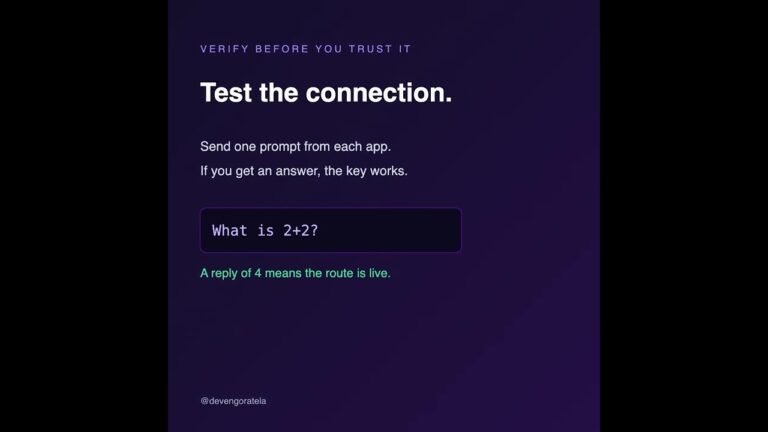
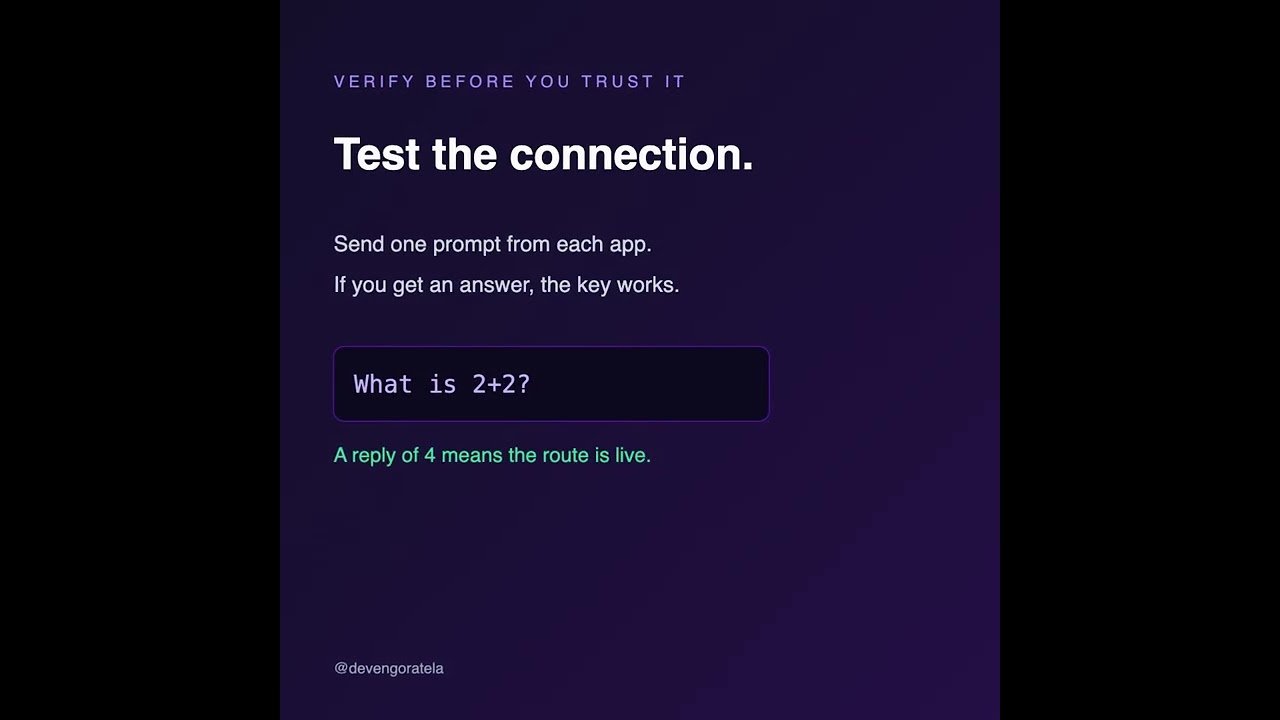
• How to verify the key with a single CLI prompt before touching the desktop app
• Why a 403 usually means a daily key limit, not a configuration error
• How to keep one key, one bill, and model portability across both apps
TIMESTAMPS:
00:00 – Introduction
01:10 – Why use a gateway instead of separate keys
02:40 – Claude Code configuration in settings.json
05:20 – Verifying the key with one terminal prompt
06:50 – Claude Desktop Developer Mode setup
09:30 – The 403 daily limit mistake
11:00 – Security and key rotation
12:10 – Summary and next steps
RESOURCES & LINKS:
• Practical AI Community: [Skool Community Link]
• OpenRouter: https://openrouter.ai
• Claude Code settings docs: https://docs.anthropic.com/en/docs/claude-code/settings
• Connect on LinkedIn: https://www.linkedin.com/in/devengoratela/
ABOUT DEVEN GORATELA:
Sharing practical AI workflows, automation architectures, and agentic engineering patterns that save real hours.
Subscribe for new AI tutorials and automation blueprints every week.
#OpenRouter #ClaudeCode #ClaudeDesktop #OpenRoutersetup #ClaudeCodesettingsjson
Video Source
About the Author