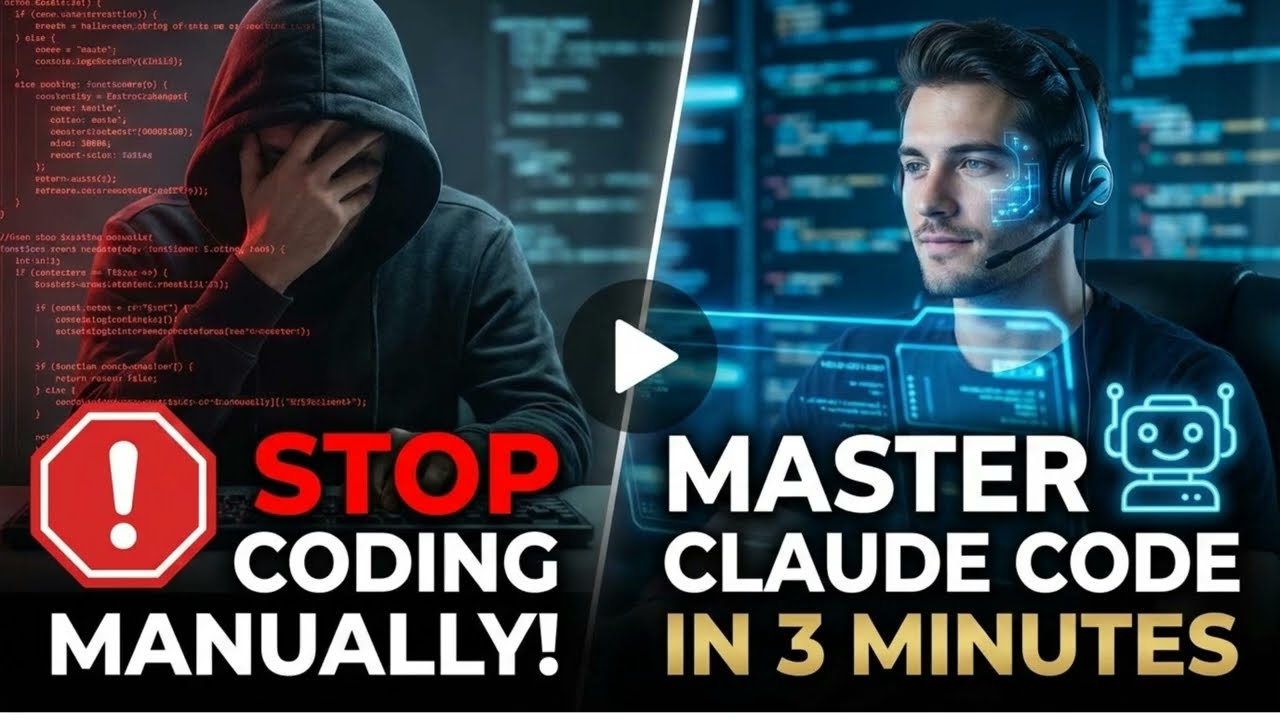
Stop writing code. Start directing it. 👨💻
In this video, we break down the Claude Code Mastery Playbook for 2026. Whether you’re tired of manual coding or looking to stay ahead in the AI revolution, this guide covers the essential 90% that actually matters for AI development.
From choosing the perfect workspace in VS Code to mastering advanced automation tools like the Playwright CLI, we cover everything you need to know to transition from a manual coder to an AI architect.
Key Topics Covered:
🎯 The Workspace Sweet Spot: Why VS Code is the perfect bridge for AI development.
🚦 The Permissions Throttle: Navigating safety settings for maximum speed.
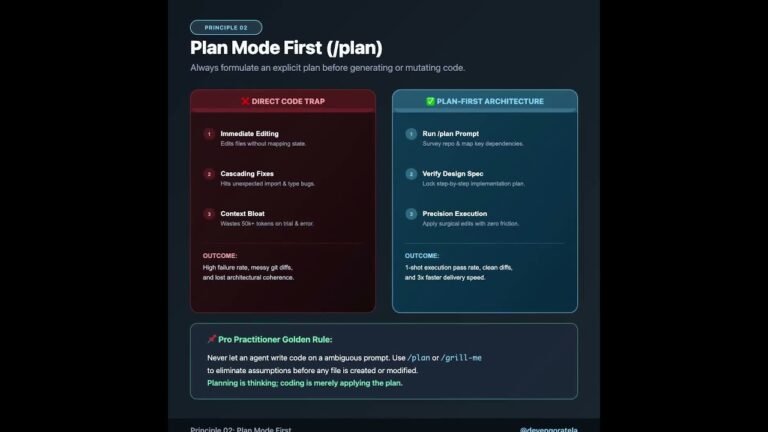
✍️ Architecting the Perfect Prompt: Using expert questions and visual scaffolding.
🐒 The Anti-Accept Monkey Protocol: Building your intuition instead of blindly accepting code.
🎨 Overcoming the Taste Barrier: Using pre-packaged “Skills” for high-quality UI design.
📉 Combating Context Rot: How to manage your token budget like a pro.
🚢 The New Automation Meta: Using CLI tools and automated deployment pipelines.
Timestamps:
[00:05] – Introduction to Claude Code Mastery
[00:14] – Finding the Workspace Sweet Spot (VS Code)
[00:29] – Understanding the Permissions Throttle
[00:48] – Architecting the Perfect Prompt
[01:04] – The Anti-Accept Monkey Protocol
[01:17] – Overcoming the Taste Barrier with Skills
[01:33] – Managing Skills & Invocations
[01:47] – Combating Context Rot & Token Budgets
[02:03] – Building Custom Utilities (The Status Bar Hack)
[02:18] – The New Automation Meta (CLI Tools)
[02:33] – The Deployment Pipeline (Github & Vercel)
[02:47] – Summary: The 2026 AI Dev Workflow
Resources:
Visit Dhimahi Technohabs for more insights.
Book a free consulting call via the QR code in the video!
#ClaudeAI #ClaudeCode #AICoding #SoftwareDevelopment #Programming2026 #DhimahiTechnolabs #DevTools #Vercel #Automation
Video Source
About the Author