Why Do We Need a Kill Switch?
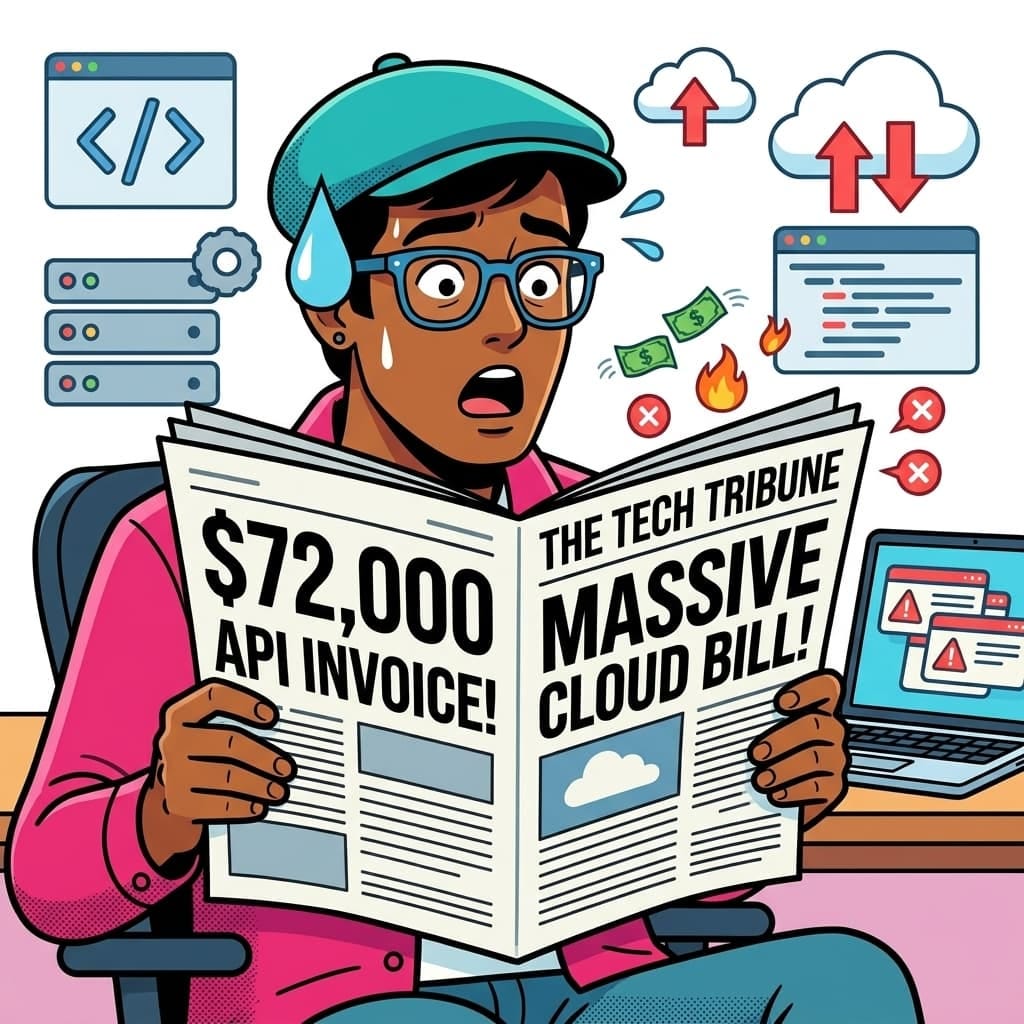
The cloud is built on the premise of infinite scalability. While this is great for growth, it’s a double-edged sword for your wallet. If an application enters an infinite loop, or if a service scales unexpectedly due to malicious traffic, the cloud provider will happily keep spinning up resources and charging you for them.
This risk is exponentially more prevalent with AI token-consumption-based billing.
Examples of Runaway Cloud and AI Bills
Usage of cloud services and AI APIs can lead to massive “bill shock.” Here are some infamous and common scenarios:
- The $72,000 Cloud Run Bill (2020): A startup called Milkie Way deployed a web scraper to Google Cloud Run. The code contained an infinite recursion bug where pages linked to each other, causing a massive, uncontrolled increase in compute instances. In just a few hours, the costs skyrocketed to $72,000 before they could stop it.
- The $30,000 Firebase Bill (2018): A Colombian crowdfunding campaign app (#UnaVacaPorDeLaCalle) performed unoptimized reads. To display the total amount raised, it read every single donation document for every user session. As the site scaled, this resulted in billions of Firestore reads and a $30,000 bill in less than 48 hours.
- Compromised AI API Keys: A key accidentally pushed to a public GitHub repo or embedded in client-side code can be exploited by attackers to perform millions of requests. For example, one startup saw their AI API bill jump from $180 to over $82,000 in just two days due to a compromised key.
- Runaway Autonomous Agents: An AI agent with recursive logic (where one API call triggers another endlessly) can exhaust a monthly budget in minutes.
- Bloated Prompts and RAG: Injecting massive amounts of context (like entire documents or long conversation histories) into every single request can cause token costs to skyrocket. A “small” system prompt change once caused an engineering team’s bill to spike by $8,000 in 11 days because it pushed most responses to the maximum token limit.
The Native Hard Cap Problem: GCP vs. Azure vs. AWS
If you are coming from Azure or AWS, you might wonder why we need to build this manually:
- Azure provides built-in “Spending Limits” on certain types of subscriptions (like Dev/Test or free tiers) that automatically disable resources when the cap is reached.
- AWS allows you to use AWS Budgets Actions to natively apply an IAM Deny policy or stop EC2/RDS instances when a threshold is breached without writing code.
- GCP, however, does not have a native, single-click “hard cap” that shuts down APIs. Budgets in GCP only trigger alerts (emails or Pub/Sub messages). To actually stop the bleeding, you must write custom automation to interpret those alerts and disable the services yourself.
Architecture

Here’s how the automated kill switch works:
- Billing Alert: A GCP Budget sends a notification to a Pub/Sub topic when spending exceeds 100%.
- Cloud Function: A Gen 2 Cloud Function (Python 3.11) is triggered by the Pub/Sub topic.
- Kill Switch Logic:
- Decodes the billing account ID and threshold.
- Lists all projects linked to that billing account.
- Disables the Gemini AI API (aiplatform.googleapis.com) in each linked project.
Identity: The function runs as the Compute Engine default service account of the admin project.
Step-by-Step Implementation
1. Setup the Budget and Pub/Sub Trigger
First, enable the Billing Budgets API and create a budget that alerts a Pub/Sub topic when thresholds are met.
gcloud services enable billingbudgets.googleapis.com --project=YOUR_ADMIN_PROJECT

gcloud beta billing budgets create \
    --billing-account=YOUR_BILLING_ACCOUNT_ID \
    --display-name="Central Gemini AI Budget" \
    --budget-amount=20.00 \
    --threshold-rule=percent=0.5,basis=CURRENT_SPEND \
    --threshold-rule=percent=1.0,basis=CURRENT_SPEND \
    --all-updates-rule-pubsub-topic="projects/YOUR_ADMIN_PROJECT/topics/budget-alerts"
2. The Cloud Function Code
Create a directory containing the following two files.
requirements.txt
google-api-python-client
google-cloud-service-usage
google-cloud-billing
google-auth
google-cloud-logging
This Python script listens to the Pub/Sub topic. When the 100% threshold is triggered, it dynamically loops through all projects attached to the billing account and strictly disables the aiplatform.googleapis.com API.
import base64
import json
import logging
import google.cloud.logging
from google.cloud import billing_v1
from google.cloud import service_usage_v1

logging_client = google.cloud.logging.Client()
logging_client.setup_logging(log_level=logging.INFO)
logger = logging.getLogger(__name__)

def stop_billing(event, context=None):
    billing_client = billing_v1.CloudBillingClient()
    service_usage_client = service_usage_v1.ServiceUsageClient()

    pubsub_message = base64.b64decode(event['data']).decode('utf-8')
    data = json.loads(pubsub_message)

    billing_account_id = data.get('billingAccountId')
    if not billing_account_id:
        logger.error("No billing account ID found in the message.")
        return

    cost_amount = data.get('costAmount', 0)
    budget_amount = data.get('budgetAmount', 0)

    logger.info(f"Billing Alert Received: Current cost {cost_amount} vs Budget {budget_amount}")

    if cost_amount < budget_amount:
        logger.info("Cost is below budget. No action required.")
        return

    try:
        # Loop through all projects connected to this billing account
        request = billing_v1.ListProjectBillingInfoRequest(name=f"billingAccounts/{billing_account_id}")
        page_result = billing_client.list_project_billing_info(request=request)

        for project_info in page_result:
            project_id = project_info.project_id
            if project_id:
                logger.info(f"Initiating Gemini AI disable for project: {project_id}")
                service_name = f"projects/{project_id}/services/aiplatform.googleapis.com"

                try:
                    request = service_usage_v1.DisableServiceRequest(name=service_name)
                    service_usage_client.disable_service(request=request)
                    logger.info(f"Disable operation initiated successfully for {project_id}")
                except Exception as project_error:
                    logger.error(f"Failed to initiate disable for project {project_id}: {project_error}")
    except Exception as e:
        logger.error(f"Error during billing kill switch execution: {str(e)}")
        raise e
3. Deploy the Function and Configure IAM
Deploy the Gen 2 Cloud function using the following command:
gcloud functions deploy billing-kill-switch \
    --runtime=python311 \
    --region=europe-west2 \
    --source=./ \
    --entry-point=stop_billing \
    --trigger-topic=budget-alerts \
    --project=YOUR_ADMIN_PROJECT
Finally, for the function to successfully locate projects and disable services across your organization, you must grant its compute service account organization-level permissions:
# 1. Allow function to disable services across the Org
gcloud organizations add-iam-policy-binding YOUR_ORG_ID \
    --member="serviceAccount:YOUR_FUNCTION_SERVICE_ACCOUNT" \
    --role="roles/serviceusage.serviceUsageAdmin"

# 2. Allow function to view project metadata and billing links
gcloud organizations add-iam-policy-binding YOUR_ORG_ID \
    --member="serviceAccount:YOUR_FUNCTION_SERVICE_ACCOUNT" \
    --role="roles/viewer"

# 3. Allow function to view billing account information
gcloud organizations add-iam-policy-binding YOUR_ORG_ID \
    --member="serviceAccount:YOUR_FUNCTION_SERVICE_ACCOUNT" \
    --role="roles/billing.viewer"
4. Secure the Cloud Function (Pub/Sub Invocation Only)
By default, we want to ensure that only the Pub/Sub service can trigger the function. Since Gen 2 Cloud Functions use Cloud Run under the hood, we must grant the Pub/Sub service agent the run.invoker role and explicitly remove public access:
# Get your project number
PROJECT_NUMBER=$(gcloud projects describe YOUR_ADMIN_PROJECT --format="value(projectNumber)")

# Grant Invoker role to the Pub/Sub service identity
gcloud run services add-iam-policy-binding billing-kill-switch \
    --region=europe-west2 \
    --member="serviceAccount:@gcp-sa-pubsub.iam.gserviceaccount.com">service-${PROJECT_NUMBER}@gcp-sa-pubsub.iam.gserviceaccount.com" \
    --role="roles/run.invoker" \
    --project=YOUR_ADMIN_PROJECT

# Ensure public access is REMOVED
gcloud run services remove-iam-policy-binding billing-kill-switch \
    --region=europe-west2 \
    --member="allUsers" \
    --role="roles/run.invoker" \
    --project=YOUR_ADMIN_PROJECT
By implementing this targeted, secure kill switch, you can innovate with AI APIs confidently, knowing your maximum financial risk is hard-capped.
Originally published at https://www.mymegam.com.
GCP Billing Kill Switch: Automating Gemini AI Cost Controls was originally published in Google Cloud – Community on Medium, where people are continuing the conversation by highlighting and responding to this story.
Source Credit: https://medium.com/google-cloud/gcp-billing-kill-switch-automating-gemini-ai-cost-controls-115a529ef046?source=rss—-e52cf94d98af—4
About the Author