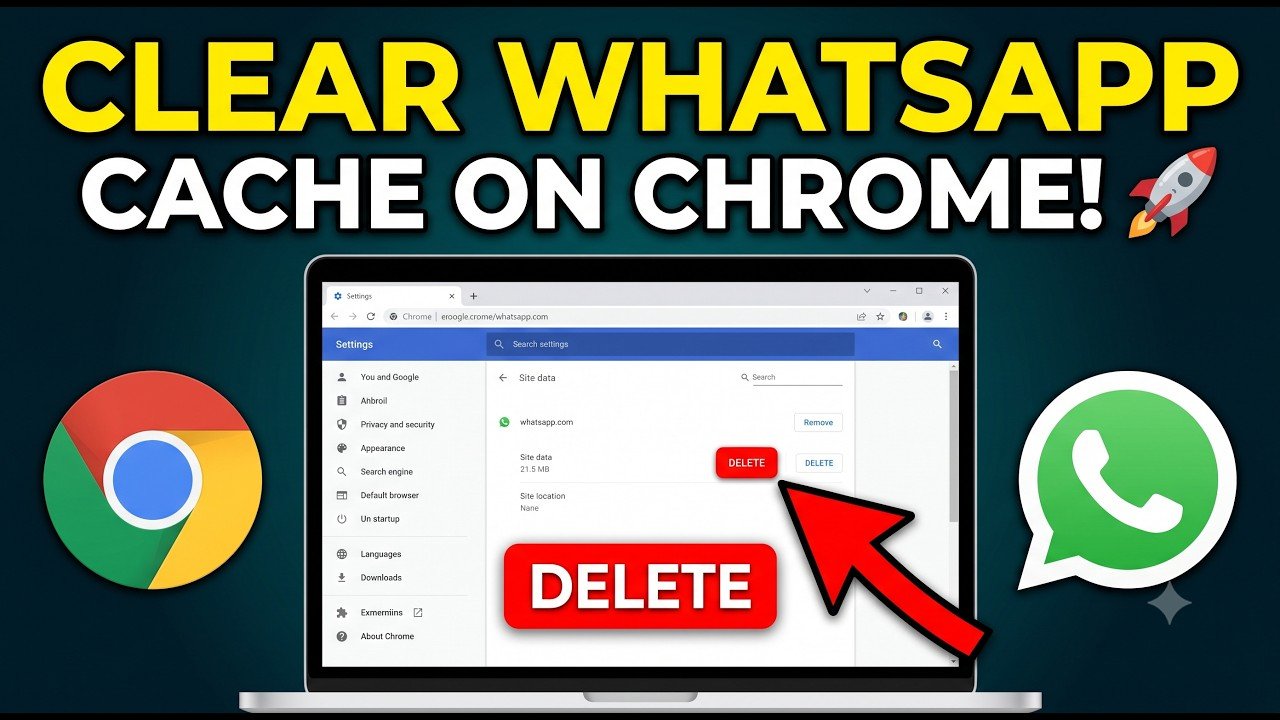
Is your WhatsApp Web stuck, not scanning, or loading endlessly on Google Chrome? In this quick step-by-step tutorial, learn how to resolve common login and syncing issues by clearing cached site data and offline storage in Chrome.
⏱️ Step-by-Step Guide:
Open Google Chrome and click the three dots in the top right corner.
Select Settings from the menu.
Search for “data” in the settings search bar.
Navigate to Third-party cookies ➔ See all site data and permissions.
Type “WhatsApp” into the filter box.
Click the trash icon next to whatsapp.com to clear all offline stored data and permissions.
Open a new tab, visit web.whatsapp.com, scan your QR code, and you are good to go!
#WhatsAppWeb #TechTips #ChromeHacks #WhatsAppTricks #BrowserTips #viral #growth
Video Source
About the Author