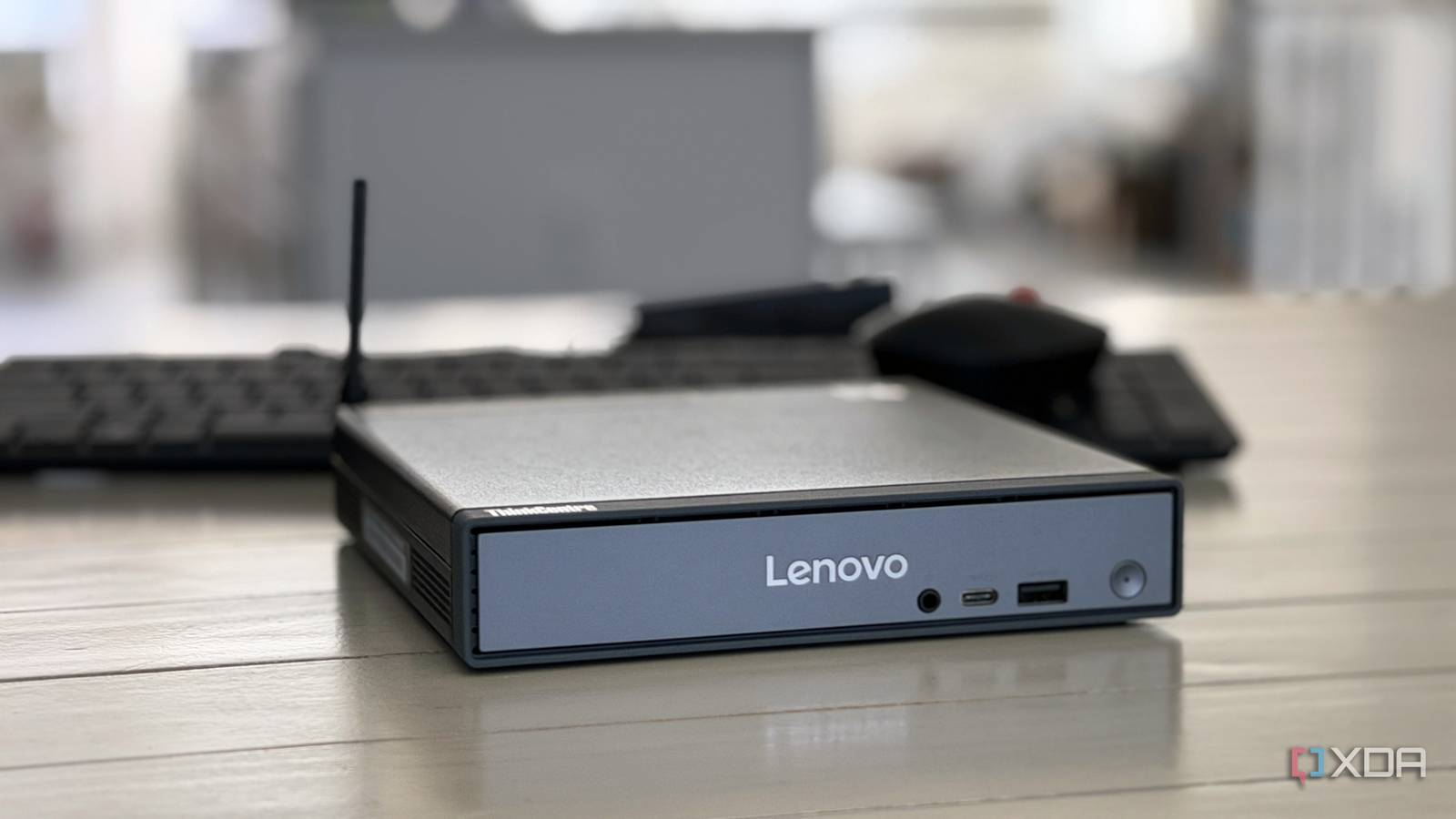
As corporations retire their hardware in favor of newer stuff, all of that older hardware hits the secondary market every three to five years or so. These machines are still perfectly capable, and nobody knows that better than the average home lab enthusiast. The Lenovo ThinkCentre Tiny line has been the headline example of this for nearly a decade. At its $100 floor, you can typically find a M710q with a quad-core i5. It remains the most cost-effective entry point into a serious home lab, and stepping up to the M720q or M920q at $150–$200 puts you in six-core territory, giving you even more performance headroom for self-hosted services. It’s one of the most cost-effective options for a budding home lab, or one that requires an additional capable node.
Used Xeon CPUs are the home lab secret nobody talks about
Despite their quirks, old server-grade processors are perfect for home lab experiments
A capable node with desktop silicon
For non-desktop prices

The cheapest M710q listings on eBay tend to land around $100 with an i5-6500T or i5-7500T inside. That’s at a minimum a quad-core, 35W desktop chip with full AVX2 support, Quick Sync video, and a real PCIe lane budget. Step up to a M720q at the $130-$160 mark and you’re looking at 8th or 9th gen six-core silicon like the i5-8500T or i5-9500T. The M920q at $170-$220 typically puts an i7-8700T inside the same 1L chassis, and these chips will still handily outpace the N100s and N150s that tend to dominate the new budget mini PC market on any multithreaded workload.
The iGPU is also noteworthy on these machines. The UHD 630 on the 8th and 9th Gen chips handles HEVC encode and decode through Quick Sync very well, which makes Jellyfin encoding for the household possible on a machine of this size. It comfortably saturates three or four concurrent 1080p streams without breaking a sweat, and the older HD 530/630 in the 6th and 7th gen units handles one or two H.264 transcodes just fine for a single-user setup.
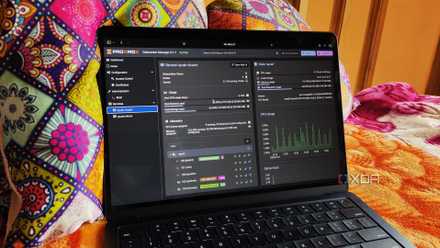
3 reasons I love my Proxmox cluster (even though the average home labber doesn’t need one)
A Proxmox cluster may not be all that useful for most tinkerers, but it was a fantastic addition to my home lab
The Lenovo ecosystem is worth buying into
The opposite of a walled garden

Lenovo sold these ThinkCentres by the millions to corporate fleets, and that kind of scale comes with benefits to second-hand users of these machines. The secondary market is quite large as a result, making getting your hands on one relatively simple, but it also means documentation for home lab purposes is already quite exhaustive.
Community knowledge about quirks is well-trodden enough that almost any problem you’ll hit has probably been solved publicly. It also means first-party accessories like PCIe risers, second M.2 brackets, 2.5″ drive cages, and Lenovo-branded Wi-Fi cards are cheap and plentiful. Most importantly, Linux support, including Proxmox, is essentially flawless on these machines.
Compared to the N100 boxes you find from vendors like Beelink or GMKtec, the BIOS only gets one or two updates before radio silence, and firmware quirks go unsolved and undocumented for months. Getting proper expansion out of those machines is also a much more complicated affair.
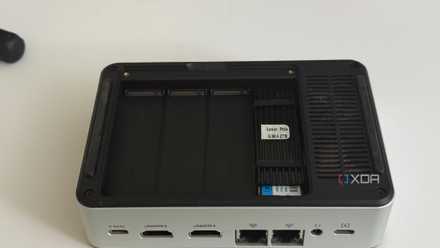
The mini PC spec I care about most isn’t the CPU
Expansion is everything when it comes to a mini PC
The form factor can scale
More nodes than you know what to do with

A single 1L chassis pulling 35W or so under load means you can stack three of these in less shelf space than a mATX tower and stay under a 150W total ceiling, and for any serious home lab enthusiast out there, I can already tell you’re doing the mental math on this.
You can put together a real three-node Proxmox cluster with HA migration, a k3s control plane plus workers, or a clean separation of duties (network services on one, media on another, automation on a third) for around $300 in hardware.
To do the same thing with N100 machines would almost surely cost you at least twice that price, and attempting to replicate it on Pi 5s, once you factor in NVMe HATs, power supplies, cases, and active cooling, it isn’t much cheaper than the ThinkCentre route.
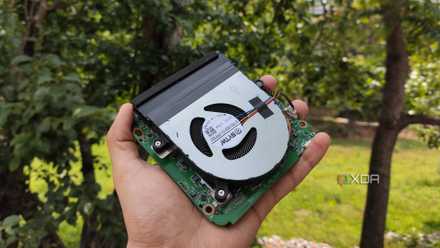
I used an Intel N100 mini-PC as a standalone Proxmox node – it went really well
Besides being able to self-host multiple containers, it can even run a few VMs
ThinkCentres do come with their own set of downsides
They’re not perfect

Storage is an obvious downside of these machines. A single M.2 2280 slot and a single 2.5″ SATA bay don’t leave room for in-chassis RAID, and 2.5″ SATA tops out around 5TB. RAM is officially capped at 32GB DDR4 SODIMM on most of these units, though 64GB with 2x32GB sticks is within spec on the M720q and M920q. Perhaps the biggest memory-related downside is a lack of ECC memory support, which makes running ZFS on these machines a tough recommendation.
As far as management goes, there’s no IPMI or out-of-band functionality, so any BIOS recovery tasks will require physically connecting to the machine, which could be a real downside for some. They’re also limited to 1 GbE networking, though that’s plenty for the kinds of workloads this box will be performing.
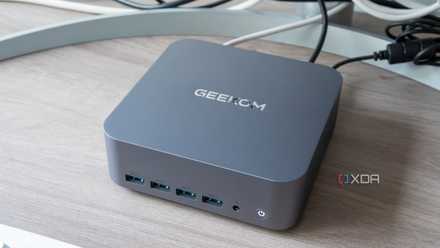
Mini PCs are incredible secondary nodes, not primary machines
Especially for hardcore tinkerers
It’s still a great compute box
A solid recommendation despite the downsides

The ThinkCentre doesn’t have the chops to replace your NAS box, but it’s great for general compute elsewhere in your home lab. The internal storage is more than enough for the OS plus container and VM working sets, and as far as IPMI goes, Tailscale, the Proxmox web UI, plus Wake-on-LAN cover everything short of BIOS-level recovery, and BIOS-level recovery is rare enough that a walk to your closet isn’t a real cost.
The rest of the issues are solved by upgrades. The single NIC is a $20 problem to solve with a USB 2.5GbE adapter or a low-profile PCIe NIC on the riser, and as far as GPUs go, you’re not going to be running a full Immich library on this thing. A dedicated Arc chip or Nvidia card would be nice, but is sort of beyond the scope of a ThinkCentre node anyway.
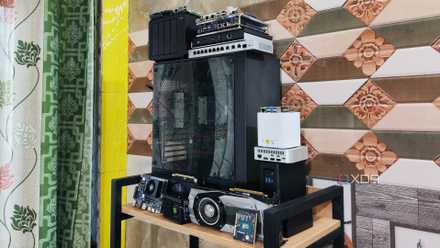
You don’t need to spend too much money to start your home lab – here’s how you can do so for cheap
Who says you need to break the bank over a new home server?
It doesn’t get any more affordable
The price floor is the M710q, and the M720q and M920q are comfortable upgrades for anyone with $50–$100 more to spend. New contenders show up constantly from corporate liquidation: the used HP G4 Minis and Dell OptiPlexes of the world are just as compelling for the right price, but the ThinkCentre is unique in both its price floor and form factor. If you need a capable node on a budget, an old ThinkCentre is a home lab cheat code.
About the Author