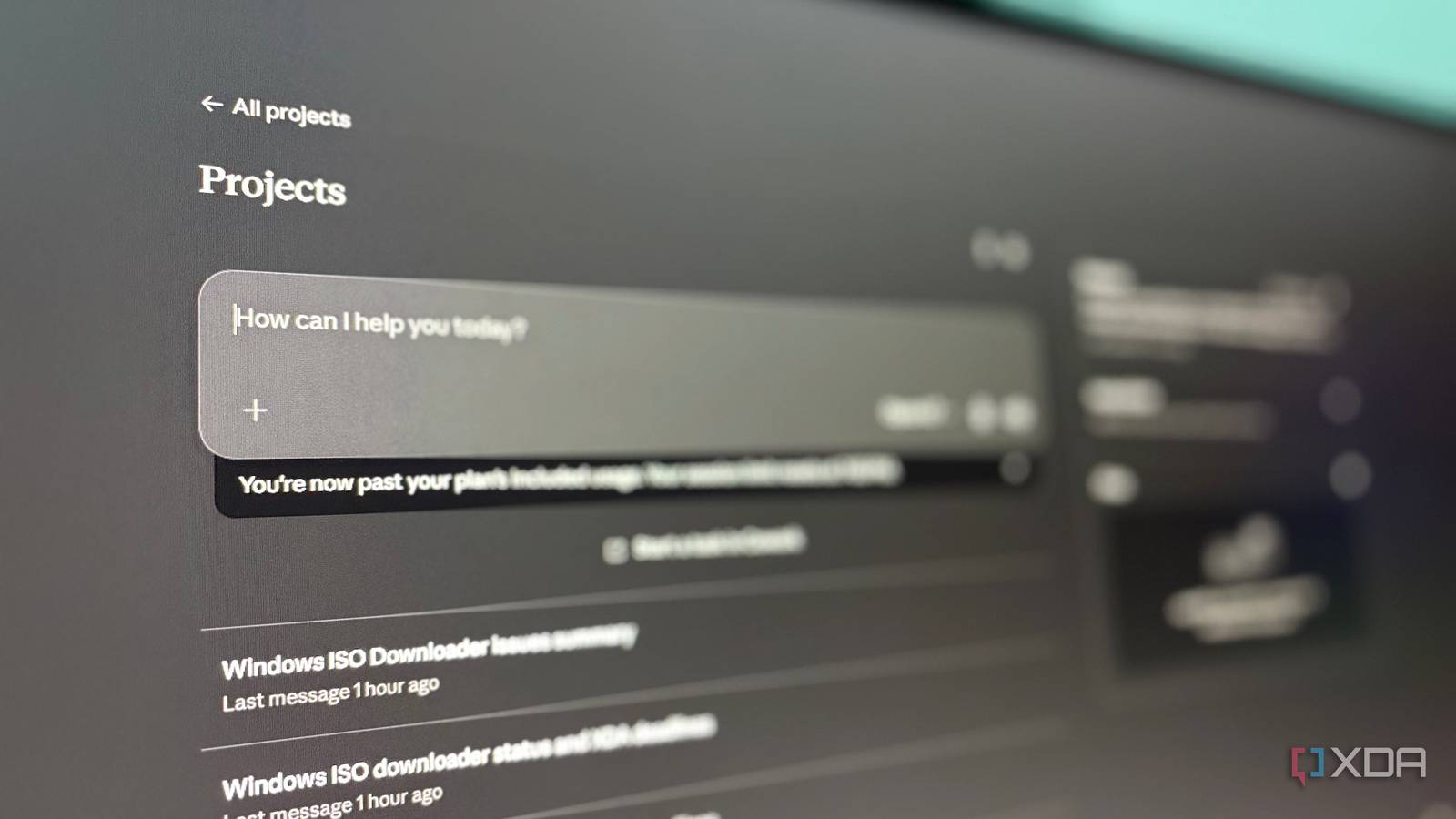
For a long time, my workflow was spread across too many disconnected places. Editorial tasks lived in one dashboard, side projects in another. My ideas were scattered across note apps, and my inbox was getting buried under marketing threads. At some point, switching dashboards and keeping context became more exhausting than the actual work. Over time, I realized that Claude is more useful when used within the tools I already live in and not as a standalone tool. Then I decided to use Claude Projects along with native connectors and MCP servers for the apps that I use daily. What started as an experiment quietly became the only setup I needed.
Related
4 unique ways I use Claude that has nothing to do with coding
The Claude revolution.
My work now lives in systems, not tabs
Everything finally has a lane
Due to the nature of my work, I mostly live inside various browser tabs and app windows. On weekdays, I am a writer and editor for tech publications and my own website. On weekends, I am an indie developer working on various projects simultaneously. I navigate between too many browser windows daily, repeatedly checking the same dashboards throughout the day. The frustrating part was not the work itself — it was constantly rechecking dashboards and the mental fatigue from remembering where everything lived. I depended on three separate tools to manage both workflows. Asana for editorial assignments, deadlines, and tracking article status. GitHub and Linear for side projects, experiments, shipping ideas, and conversational coding workflows. Finally, Gmail for everything else: pitches, external communications, PR inquiries, and collaboration emails. The apps were already structured and were the best at what they did. These three were important parts of my workflow, but keeping track of each was tedious. Writing and development required different mental modes, whereas email became a boundary instead of an interruption source. Once I connected these to Claude via the project feature (but more on that in a moment), things started to shift. Claude could reference these systems contextually, which meant one prompt could do what four tabs used to. I spent less time reopening dashboards just to get the context and fewer “where was that?” moments. I asked Claude to check my GitHub repo and Asana board at the same time. It pulled the repo status, found a drafted bug I hadn’t fixed yet, and flagged two overdue articles. One of the overdue articles was this piece.
Apple Notes became the layer underneath everything
Ideas don’t start clean
Whether writing an article or building an application, everything starts with a raw thought. Even with connected systems and structured workflows, my real work began as an incomplete thought on a notes app. I always started with random observations, half-formed article ideas, and rough outlines, and the goals were clear even when everything else wasn’t. I was already living inside the Apple ecosystem too deeply to ignore Apple Notes. I could just take a random screenshot on my iPhone and paste it into Notes, and later I could access it on my MacBook and iPad. Apple Notes never asked anything of me. I opened it, typed or pasted, and moved on. Everything synced; nothing needed organizing. Most importantly, it was available everywhere. I don’t have a tagging obsession or make the notes beautiful philosophy; notes are meant to be rough, and creative ideas are often messy. With Claude and the added context from the apps, it could reference notes directly; I could ask it to pick up where a rough outline left off. Once, while I was testing one of the projects on my iPhone, I saw a bug, took a screenshot, and jotted the issues in Notes. Later, I asked Claude to pull up that note and summarize what needed fixing. My rough ideas were becoming an actionable draft. A screenshot and two lines of text became a prioritized bug list. The simplicity of Apple Notes became useful without any extra overhead and less copy-pasting between notes and AI chats. Apple Notes worked for me because it never demanded any attention, and the best capture systems are the ones that you stop thinking about. Simplicity matters more than structure.
The Claude project became the connective tissue
The context already exists now
You open Claude, input a query, and it generates output. This is how most people use Claude or any other AI model. Using Claude as a standalone tool is useful, but it is the smallest version of what a large language model can do. When I used Claude and its project feature, it removed the most exhausting part of modern workflows — rebuilding context repeatedly and re-explaining the same projects. The Claude project worked as a persistent context and continuity layer. It started to act as working memory, the kind of context-keeping that I previously had to do myself. It knew my editorial workflow, my writing style, and my side projects’ ongoing development and collaboration history. It didn’t happen in a day or two; the project gradually became aware of how I worked. The context grew the more I interacted with Claude.
Once all four apps were tied together (via MCP servers and native connectors), it became a robust system that could think like me. The system knew my editorial tasks — what was pending and what needed a revision. Every weekend I didn’t have to navigate through different GitHub pages to check my project status; it was just a prompt away. It knew what I was planning to write or build next and could tell me where to focus first. Claude wasn’t replacing those apps; they were already the best at what they did. It reduces the friction between them. The project felt less like a chatbot and more like persistent working memory that could resume work faster than me. The stack finally remembered where I left off.
Related
I cancelled my Notion subscription after Claude Code learned how I take notes
My terminal takes better notes than I do.
The best system is the one you forget
What surprised me in this setup was how ordinary these apps were on their own — narrowly defined roles, nothing special in isolation. The difference came from tying them to one place and letting the context do the planning. Asana, GitHub, Gmail, and Apple Notes each handled a specific category of work, while Claude connected the context between them. The best tools are the ones that disappear in the background without any noise. Once I connected these to Claude Projects, I stopped managing information and started asking for it.
OS
Windows, macOS
Individual pricing
Free plan available; $17/month Pro plan
Claude is an AI assistant and LLM developed by Anthropic.
About the Author