“People are going to use more and more AI.” The words of Jensen Huang have become more relevant by the day, and anyone in a vibe-coding, programming, or creative workflow already knows exactly what the Nvidia CEO meant.
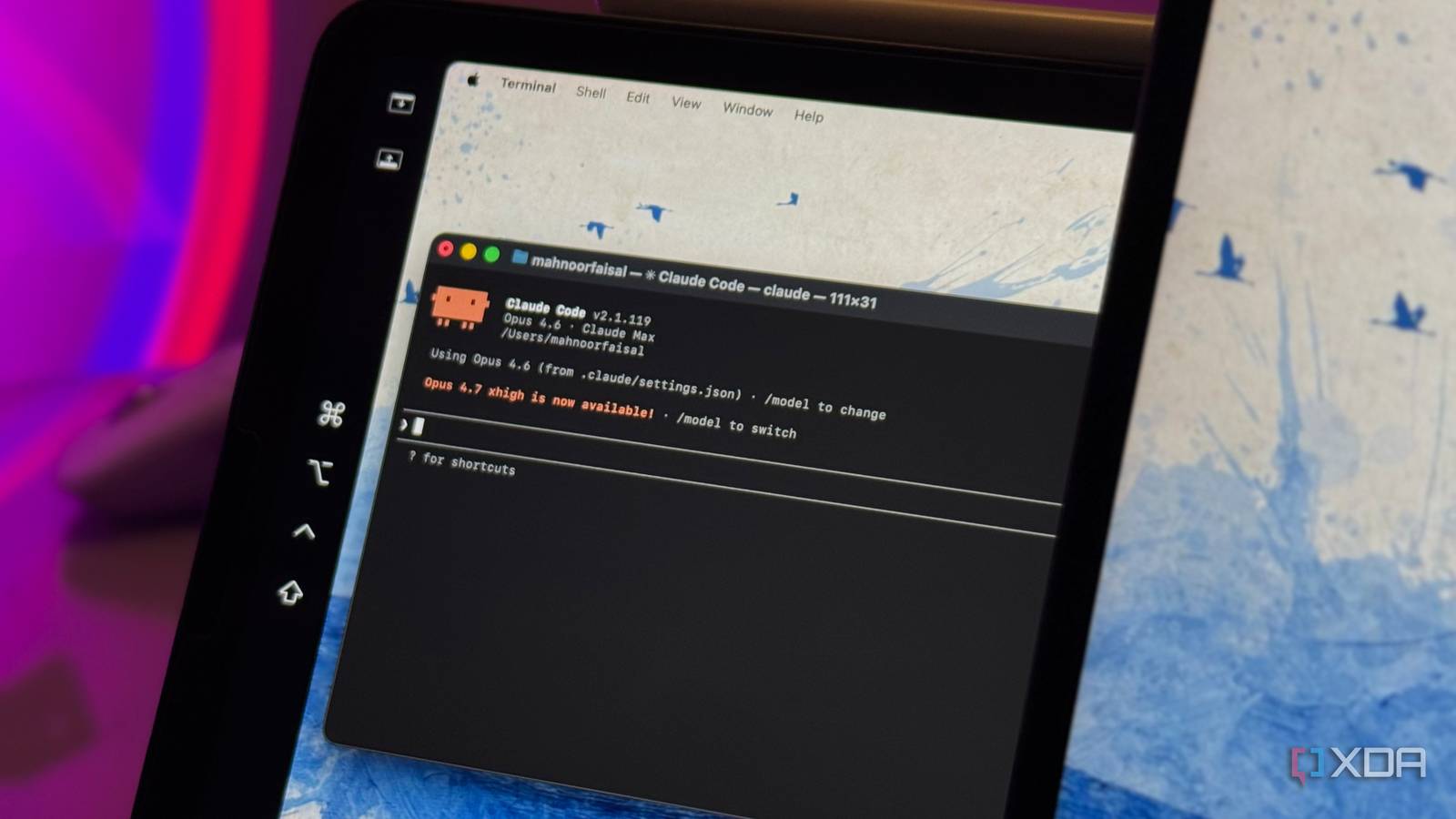
It’s also true that the best AI tools don’t come cheap. Claude Opus 4.7 is undeniably one of the most capable models for creative and programming work, and that capability comes at the cost of subscription fees and message limits that increasingly become a problem the more you rely on it. Fortunately, in this paradigm, local AI tools have become a lot better, and some of the “smarter” models can complement your workflow and drive down the average cost of use, all while making your workflow more efficient. Here’s how I’m bringing the best of local and cloud AI into my workflow.
There’s a problem with relying on a single model, even if it’s paid
Opus 4.7 can still become a bottleneck when the limits kick in

Claude Opus 4.7 has earned its reputation, and my extensive benchmarks putting it against the best cloud-based LLMs have decisively proven just that over the past couple of months. In my tests, it was established that it is among the most “intuitively capable” models available that understands not just prompts but also comes with a deep-rooted understanding of user intent. So naturally, for anyone building utilities, researching, or working through multifaceted programming tasks, it’s almost impossible to argue against it as a best tool in several categories.
The problem is that it has historically operated behind a usage ceiling that has a direct impact on workflow continuity. There are several limits to Claude that reset on a rolling basis, and when they are reached, your project stops dead in its tracks. Unlike other models, you’re not downgraded to a lighter version, but instead, it stops responding altogether until the limit clears, which is a problem I’ve experienced first-hand even while developing lightweight Python apps with Opus. Even users on the $20 a month “Pro” plan, which offers five times the usage per session, frequently run into the same wall.
For those with a coding workflow, this is a bigger problem, partly because coding is inherently iterative. It seldom happens that a feature or a utility emerge from a singular prompt and comes out the way it’s expected. Even with the best-in-class, most intuitive LLM, the trial-and-error methods of generation, review, quality testing and refinement hold up.
My local LLM can call Claude when it’s stuck, and it changed everything about my local-first setup
Local LLMs aren’t very good on their own
Hybrid LLM workflows are the most efficient at tackling my tasks
Here’s how I’m doing it
As someone who has had relative success in the “hybridization” of my LLM workflow, I can speak to the merits of this approach. But first, since choosing a local AI model isn’t a one-size-fits-all approach, it’s imperative to talk about the setup a little.
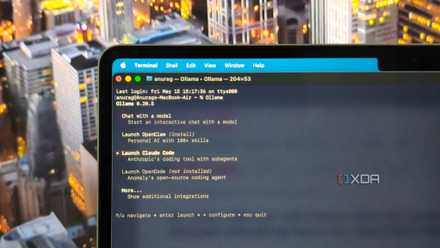
For the local side of this pipeline, I went with Google’s Gemma 4 26B model. It is highly capable, runs comfortably on my RTX 4070 Ti Super (notably, without the overhead that its 31B sibling demands), and consistently punches above its weight on hardware that wouldn’t typically be associated with this class of model. What makes it particularly well-suited to a coding and creative workflow is its adaptive thinking mode, which is an internal reasoning layer that scales its approach to the complexity of the problem. In that way, it’s quite similar to what you see with cloud-based LLMs. It also processes text and images natively, which means it can evaluate user interfaces, scan design layouts, and offer feedback on visual decisions on Ollama.
If you think the model itself is impressive, then anchoring it to Claude makes it considerably more so. After witnessing its capabilities, I’ve delegated all generative heavy-lifting to Gemma 4, which includes evaluating and generating code, the iterative design briefs, and the initial bulk of prompts, whereas Claude only enters the pipeline selectively, reserved for fine-tuning, one-shot debugging, and a final “quality assurance” pass (as I like to call it) before a project crosses the finish line. Who knew LLMs could also benefit from division of labor?
The setup is almost frictionless for my workflow
And perhaps the most economic, too

The economic case of this hybridization is what improves the user experience the most, and that goes without saying. Gemma 4 runs locally at effectively zero cost per query, which means the message limit problem that used to stall mid-session simply doesn’t apply to the generative side of the pipeline. This also solves the inherent psychological problem that comes with a session being disrupted for 5 hours in the middle of brainstorming, meaning the momentum continues in all conditions.
In some of my Python vibe-coding sessions, the output quality has greatly improved as a result of this local AI value addition, which is all thanks to the iterative freedom afforded by running Gemma 4 without a usage ceiling. This allows me to experiment and verge into territories that I otherwise wouldn’t have concerning my usage.
Besides all of that, Gemma 4 is a particularly useful model in itself. Its native function-calling allows it to connect it to the web search tools wherever necessary, which extends its utility further. I can just direct all the plain-language queries I have mid-session, have the responses fact-checked to prevent possible model hallucination, and continue generating.
There are limitations, of course, but they’re not very “limiting”
As promising as a hybrid workflow sounds, it does have its limitations. All the useful features that you have available with Claude, such as Artifacts, Claude Design, and interactive visuals (which are deployed when the model considers them necessary or upon request) remain out of reach on the local side, which particularly hurts since I tend to use them rather extensively. But reserving Claude’s usage for those premium features as well as quality checks specifically implies that I have more headroom to run them whenever I need them the most. Otherwise, in almost every case, the average between $20 and $0 stands to benefit me as the user, and it’s only possible thanks to local AI.

- OS
-
Windows, macOS
- Individual pricing
-
Free plan available; $17/month Pro plan
Claude is an AI assistant and LLM developed by Anthropic.
About the Author