Anthropic just turned Claude into an autonomous operating system. In this comprehensive guide, we break down all 25 Claude 2.0 concepts across models, workspaces, artifacts, skills, and autonomous /goal execution in plain English without any coding background required.
Whether you are using Claude for research, automating repetitive business tasks, running Claude Code on your local computer, or building custom agent skills, this video walks you through the entire ecosystem step by step.
WHAT YOU WILL LEARN:
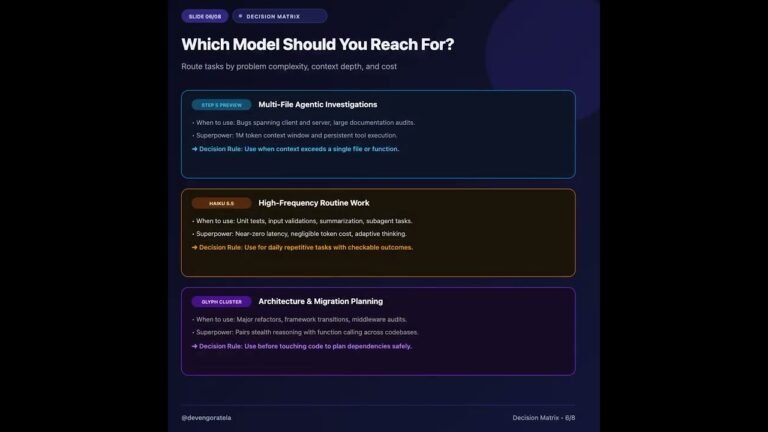
• The Model Hierarchy: When to use Haiku, Sonnet, Opus 5.5, and Fable 5.1
• Claude Workspaces: Mastering Chat, Claude Code, Co-Work, Sessions, and Duet
• Creative Output: Generating interactive Artifacts, Docs, Dashboards, and Motion animations
• System Memory: Setting up auto-memory, claude.md guidelines, and MCP connectors
• Autonomous Execution: Configuring permission modes, sub-agents, and running /goal tasks
• The 3-Step Setup: The exact starting workflow recommended for non-coders
TIMESTAMPS:
00:00 – Introduction & The Claude 2.0 Shift
00:34 – Part 1: The Brain (Models, Tokens & Effort Levels)
01:41 – Fable 5.1 & The /advisor Command
02:34 – Tokens & The 1 Million Token Context Window
03:21 – Effort Levels: Low vs Medium vs High vs Extra High
04:37 – Usage Limits & Plans (Free, Pro, Max, Ultra)
05:46 – Part 2: Where You Use Claude (Chat, Code & Duet)
06:13 – Claude Code for Non-Coders
07:07 – Co-Work: Autonomous Workspace for Knowledge Work
07:45 – Sessions & Split View Parallel Workflows
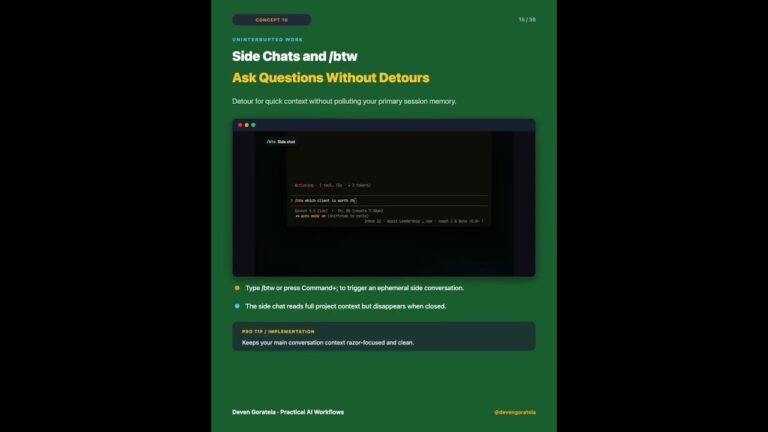
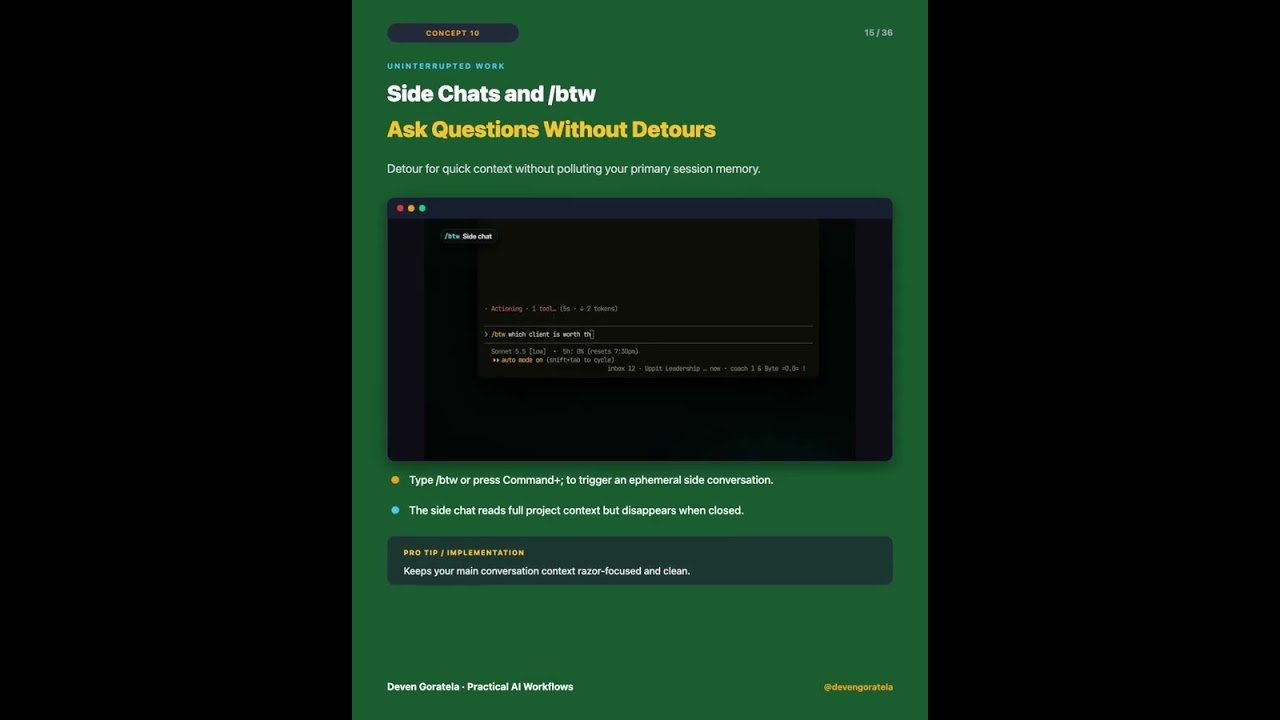
08:26 – Side Chats & The /btw Command
08:53 – Claude Duet: Proactive Daily Agent App
09:33 – Part 3: What Claude Makes (Artifacts & Dashboards)
09:36 – Interactive Artifacts Explained
10:06 – Native Docs, Slide Decks & UI Designs
10:55 – Real-Time Business Dashboards
11:23 – Motion: Turning Prompts into Animated Videos
12:08 – Part 4: What Claude Knows (Memory, Rules & Skills)
12:13 – Auto-Memory Across Conversations
12:59 – Setting Up claude.md Project Instructions
13:40 – Custom Skills & Slash Commands
15:21 – MCP Connectors: Linking Gmail, Calendar & GitHub
16:02 – Plugins & Ecosystem Bundles
16:40 – Mods: Modifying Claude Behavior
17:39 – Part 5: Letting Claude Work (Autonomy & Sub-Agents)
17:44 – Permission Modes: Normal vs Auto vs Bypass
18:29 – Delegating Tasks to Sub-Agents
19:08 – Project Workspaces & Shared Context
19:53 – Autonomous Execution with /goal
20:22 – Bonus: Scheduled Tasks & Cron Automation
20:58 – Where to Start: The 3-Step Implementation Plan
RESOURCES & LINKS:
• Connect on LinkedIn: https://www.linkedin.com/in/devengoratela/
• Follow on X / Twitter: https://x.com/devengoratela
• Recommended Tools: Claude Desktop App, Anthropic Console
ABOUT DEVEN GORATELA:
Sharing practical AI workflows, automation architectures, and agentic engineering patterns that save real hours for business owners, creators, and operators.
Subscribe for new AI tutorials and automation blueprints every week.
#Claude20 #ClaudeAI #Anthropic #ClaudeCode #ClaudeSonnet55
Video Source
About the Author