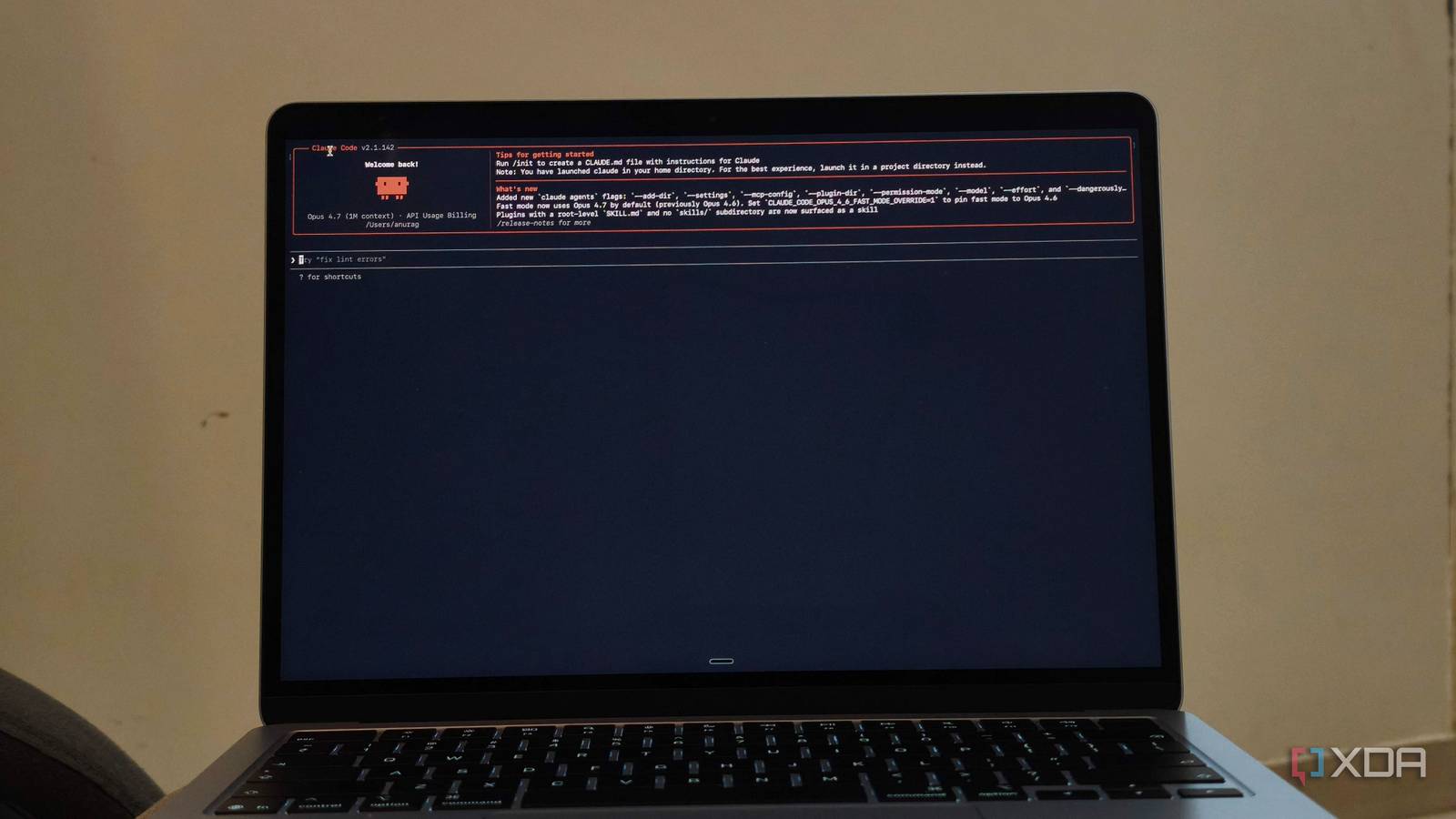
Anthropic has now built persistent memory into Claude Code. It works in two ways. First, there’s Auto Memory, where Claude automatically saves useful project context, patterns, and preferences. Second, there’s the CLAUDE.md file, which stores project instructions and context that get loaded into future sessions. While persistent memory helps Claude Code execute tasks better and in a more personalized way, I found that it can also improve automation workflows. Most AI-powered automations start by introducing who you are, what your project is, what you’re working on, and what you care about. Then they do it again and again and again. Once you add Claude Code’s persistent memory to the mix, those workflows become far more personal because the AI already understands much of the context.
Related
Claude Code is powerful, but this one setting made it far more useful for real projects
First thing you should change in Claude Code.
Claude Code somehow fits into automation workflows
But it’s not the usual implementation
The obvious way to add Claude to an automation workflow is through the API. For example, an n8n workflow collects data, sends it to Anthropic, gets a response back, and continues to the next step. The problem is that the API only gives you access to the model. It does not give the workflow access to Claude Code’s memory or other project-specific information. If you want the AI to follow a certain format, understand a project, or remember specific preferences, you have to include those instructions in the prompt every time. However, as workflows become more sophisticated, the prompts become larger and harder to maintain. Half the workflow ends up being dedicated to providing context instead of solving the actual task. The best way is to let your automation layer execute the Claude Code CLI inside a specific project directory. Claude Code then loads the same project context it would during a normal session, including CLAUDE.md, Auto Memory, project files, settings, skills, hooks, and repository structure. For example, an n8n workflow built around an RSS feed would now pass articles through Claude Code CLI before generating an output. On the surface, that doesn’t look very different from a traditional AI-powered workflow. Under the hood, however, Claude Code works with far more context than a standard API call. Instead of relying entirely on the prompt provided by the workflow, it can draw from project instructions, memory, settings, and other context already available within the project. Imagine a research workflow that collects articles, PDFs, and bookmarked links related to a specific topic. A traditional API-based workflow would need to explain the project on every run. With Claude Code, much of the information can live inside the project itself. The automation only needs to pass the new information into the workflow.
Context is the missing layer in most automations
Your automations are so much better once context is sorted
The most obvious use case is anything tied to a code repository. Let’s say you run a workflow that watches GitHub commits, issues, or pull requests. A traditional API-based automation can summarize what’s changed, but it has no understanding of the project itself beyond what you include in the prompt. Claude Code is different because it can see the repository, project instructions, and accumulated context. Instead of simply reporting that a file changed, it can explain why the change matters, whether it conflicts with existing patterns, and what parts of the codebase might be affected. Another interesting use case is documentation. I have seen most teams are terrible at keeping documentation updated because nobody wants to do it manually. With Claude Code sitting inside the workflow, you can trigger documentation updates whenever significant code changes are merged. Since Claude already has access to the repository and project context, it doesn’t have to guess what a feature does from a commit message. It can inspect the actual implementation, compare it against existing documentation, and generate updates that are far more useful than a generic AI summary.
I also like the idea of using it for homelab and self-hosting projects. Imagine a workflow that monitors Docker containers, server logs, or uptime alerts. A normal automation can tell you that a service crashed. Claude Code can go a step further because it already understands the environment it is running in. If your project contains deployment scripts, infrastructure documentation, and operational notes, Claude can use that context when analyzing incidents. Instead of saying “Plex is down,” it can tell you which machine hosts it, what dependencies might be involved, and whether similar failures have happened before.
Memory isn’t the only answer
You can also setup an MCP
Claude Code’s persistent memory is one way to reduce the amount of context your automations need, but it isn’t the only option. Another increasingly popular approach is the Model Context Protocol, better known as MCP. Instead of storing information inside Claude Code, MCP allows Claude to access external sources of information whenever it needs them. While Claude Code memory is useful for storing recurring instructions and project context, MCP comes in handy when the information changes frequently. Rather than remembering the contents of your documentation, task tracker, or knowledge base, Claude can simply fetch the latest version directly from the source. If your workflow relies on tools like GitHub, Notion, Obsidian, Linear, or PostgreSQL, MCP makes more sense than trying to store that information as memory.
OS
Windows, macOS
Individual pricing
Free plan available; $17/month Pro plan
Claude is an AI assistant and LLM developed by Anthropic.
Related
I set up Claude Code the way its creator does, and the difference is night and day
Who better to learn from than the person who made it?
About the Author