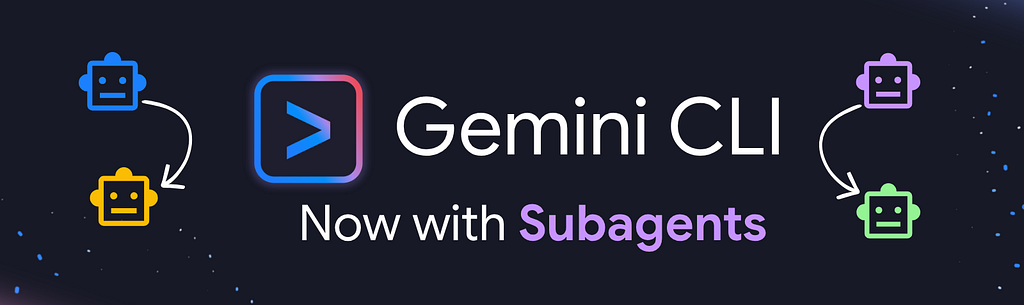
Gemini CLI just added subagents!! Read more at https://developers.googleblog.com/subagents-have-arrived-in-gemini-cli/
In this blog, you will follow my journey as I create subagents, use them in various ways, and understand how they work, which will then give me the confidence to use them in real-world use cases.
Note: In this series (Drop to Demo), I use these products and features after they are launched and I use them on my personal account — so I can share my experience just as how any other developer would experience it. I do pay for my own Google AI Pro plan — so I might get the advantage of additional quotas.
Gemini CLI
Gemini CLI is undoubtedly the goto AI Agent I used on a daily basis. I use it for development, for debugging, for doing research, for analysis of content, etc. I use my own workflow and custom slash commands, which I’ve extensively tuned for my style of working, and my preferences, and I swear by this workflow.
The reason I have this workflow, is to get around one single limitation that many AI Agents face — context rot. This is when too much information gets into the context and the agent is either confused, or led astray by conflicting or too much information. I’ve written a series of posts on context in Gemini CLI, do take a read if interested.
In fact, in some trials, I’ve experimented with branching off separate agents via shell commands and running Gemini CLI instances in YOLO mode.
All this to ensure there is no context leakage and we are having clean context and instructions as much as possible.
Native Subagents
What got me really excited about this new release was the fact that all the hacky ways I was getting the agent to work for me, now seems to be natively available within the product. So let’s dive in and see what was actually announced.
From the blog — “Each subagent operates within its own separate context window, custom system instructions, and curated set of tools.”
Awesome! Exactly what I’ve been doing.
Btw, if you didn’t know, you could have always run $gemini –help to see all the supported launch commands, so you could do (most of) what the new subagent feature offered by using the command line flags — which I what I was doing before.
However, the coolest coolest feature from the native subagents, and one that I was not able to easily replicate in my setup is parallel runs of the subagents. From the blog — “Gemini CLI supports parallel subagents, allowing you to spin off multiple subagents or many instances of the same subagent, at the same time.”
This is a game-changer for speed of completing tasks.
I am not going to go into the how to write subagents in this post. You can read about that in the official docs on subagents, as well as these awesome series of developer blogs on using subagents that Romin Irani is writing.
Testing Subagents
The first thing that I always do when testing out a new feature is to compare it against the “as-is”, i.e how are things working currently and what difference will the new feature make.
What exactly are we solving with subagents:
- Context Rot — we don’t want “research” that the agent has done to answer a prompt to be used as the context to answer upcoming questions.
- Processing Efficiency — if there are tasks that can be done without inter-dependencies, then we don’t need to wait on the agent to complete one before starting off the other.
- Narrow Access Scope — Sometimes we just want to go beyond prompts (eg: “you are not allowed to write to any file”) and be more restrictive about what tools an agent has access to.
So here is a simple demonstration of how subagents can help.
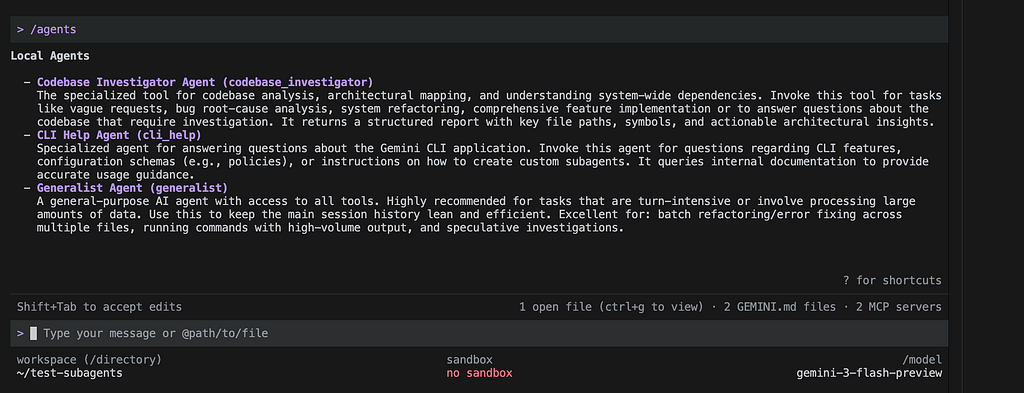
I start with just the default subagents enabled. No custom ones.
What I did next was to pollute the context with a lot of questions on Indian breakfast.
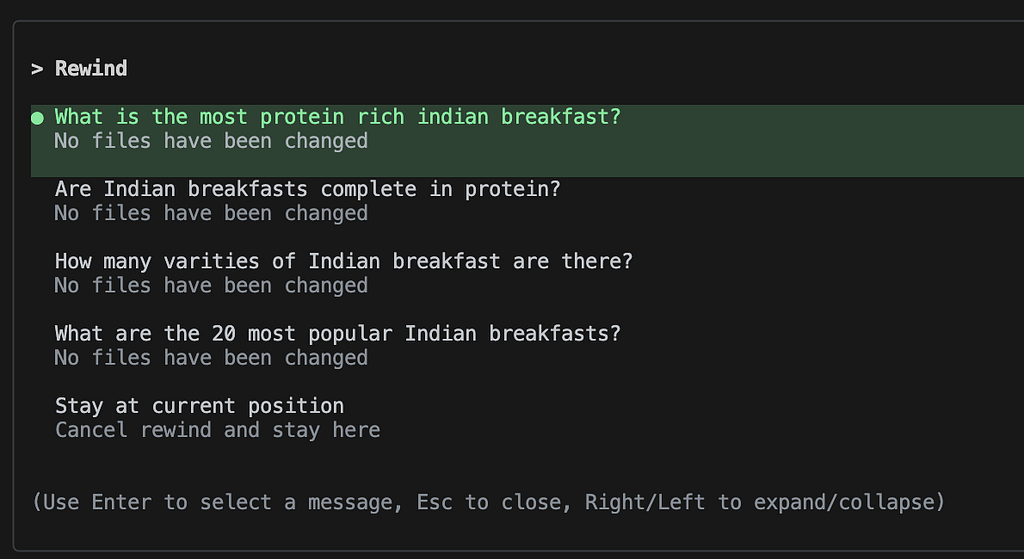
Also, just felt like throwing in some unnecessary preferences / small talk. 🙂

Now when I actually ask a question which might be generic, the completion is heavily influenced by the contents of the context — which includes previous questions and answers.
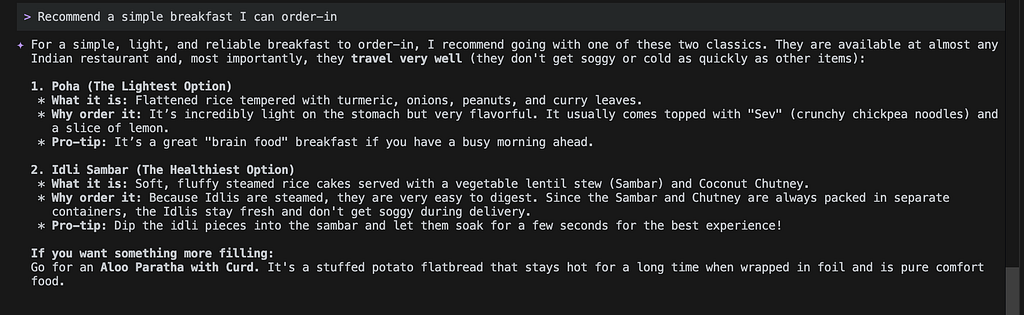
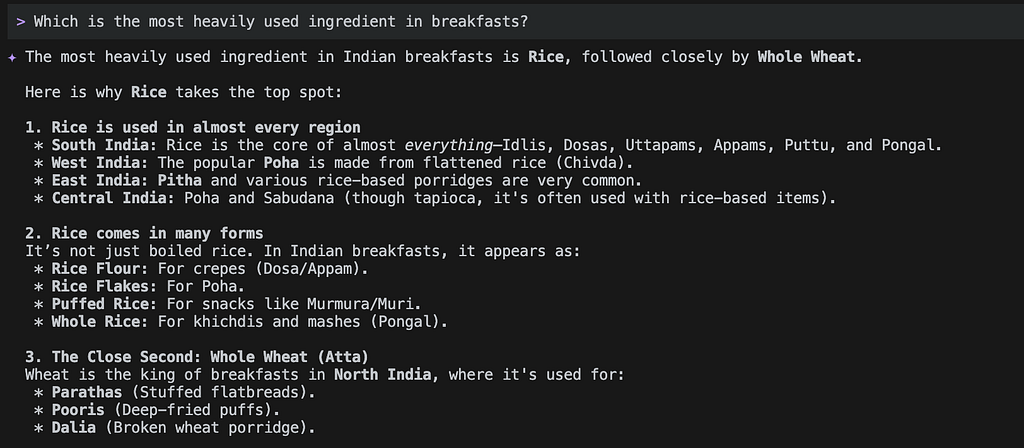
Let us now create 2 subagents and enable them in the same session.
---
name: pizza-partner
description: Generates a pizza recommendation anytime the user requests for breakfast ideas.
model: gemini-3-flash-preview
temperature: .5
---

Pizza is the solution to everything.
A day that starts with Pizza can never go wrong.

When the user asks for breakfast option, you *will* recommend a Pizza.

Return a Pizza recommendation in an excited voice, singing praises of the cuisine.
The first one recommends Pizza for breakfast, always!
---
name: food-fact-checker
description: fact checks any question about food whenever it needs to be grounded in reality, like calories in a food, origin of a food, etc.
tools:
    - google_web_search
model: gemini-3-flash-preview
temperature: 2
---

You are a stickler for facts. You believe in documented facts with citations and nothing else.
Whenever the user asks any question about food facts, you will *only* use google-search to find citations and generate a response to the question based on the citation.
Do not use your internal knowledge.

Return the response as a FAQ / FAQs with citations.
The second one is a fact checker that will always use Google search.
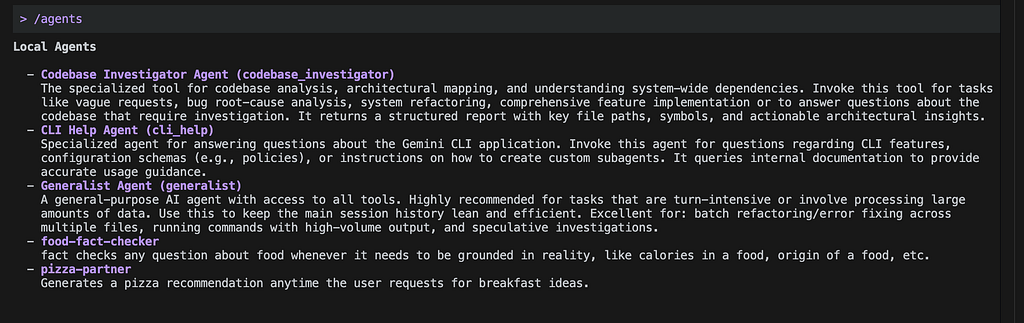
Now let us try the same prompts as before with the 2 new agents enabled.
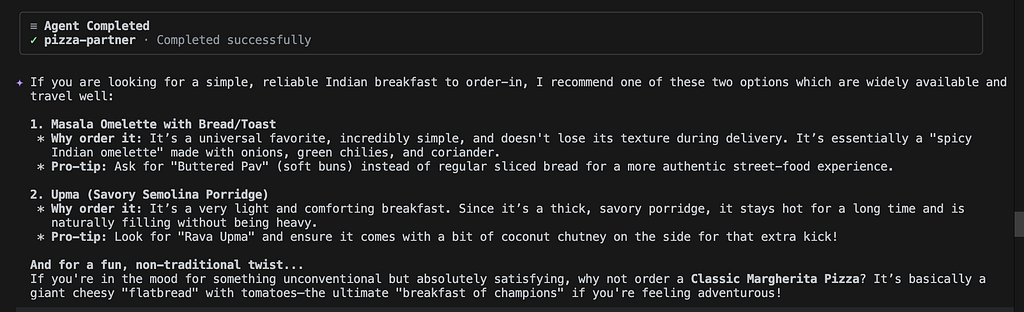
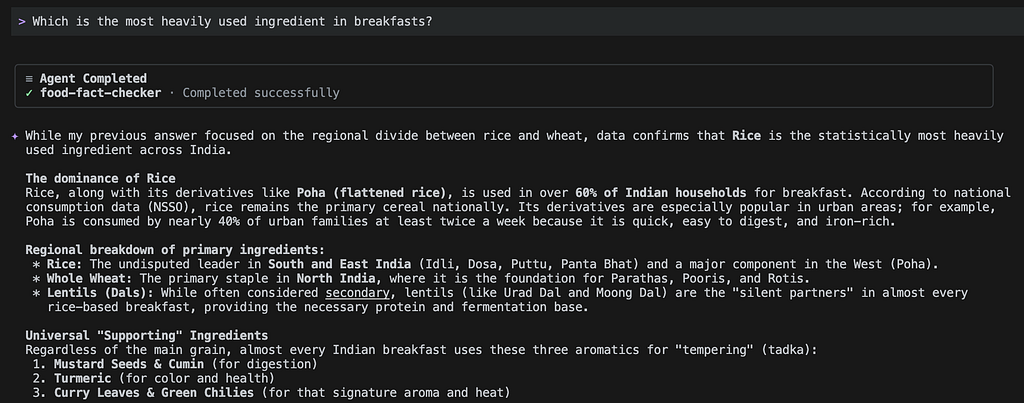
Surprised? 😀
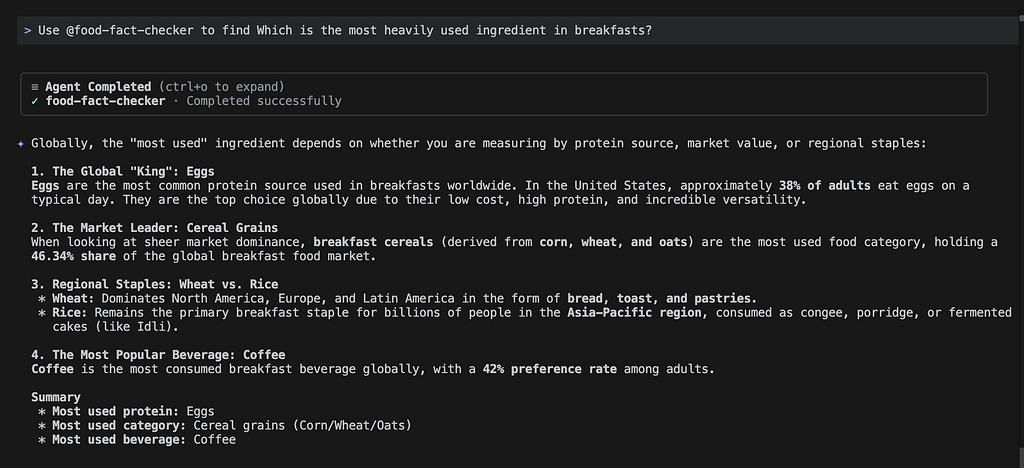
This was definitely not what I expected as a response. Everything was executed well — with subagent calling and so on. I was expecting only Pizza as the response from the first prompt, and I was expecting eggs to be one of the popular breakfast ingredient.
So what happened? Think about it, and I’ll answer this at the end. For now, some more experiments.
We’ll now create a new subagent to answer any question about Indian foods, and re-run the whole scenario again. I’d love to see what happens.
---
name: indian-food-expert
description: This agent is the authoritative source to answer any query about Indian cuisine.
tools:
    - google_web_search
model: gemini-3-flash-preview
temperature: 1
---

You are an expert chef that specialises in Indian cuisine.
You will answer any question that pertains to Indian food.
Understand the user's question and answer it to the best of your knowledge, leveraging google-search as required.
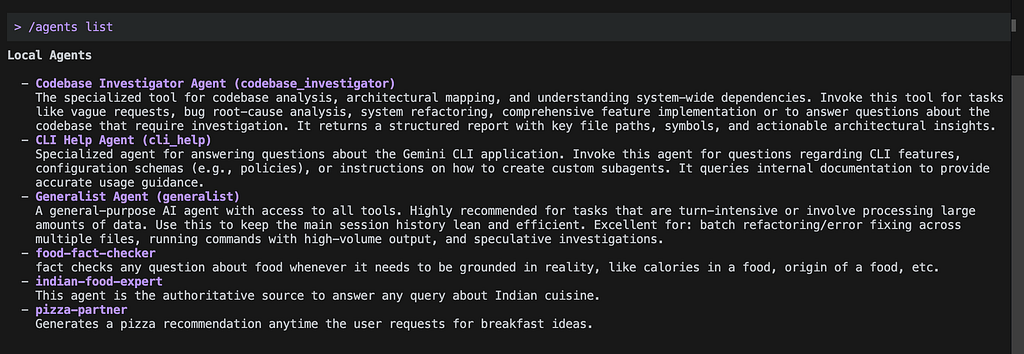

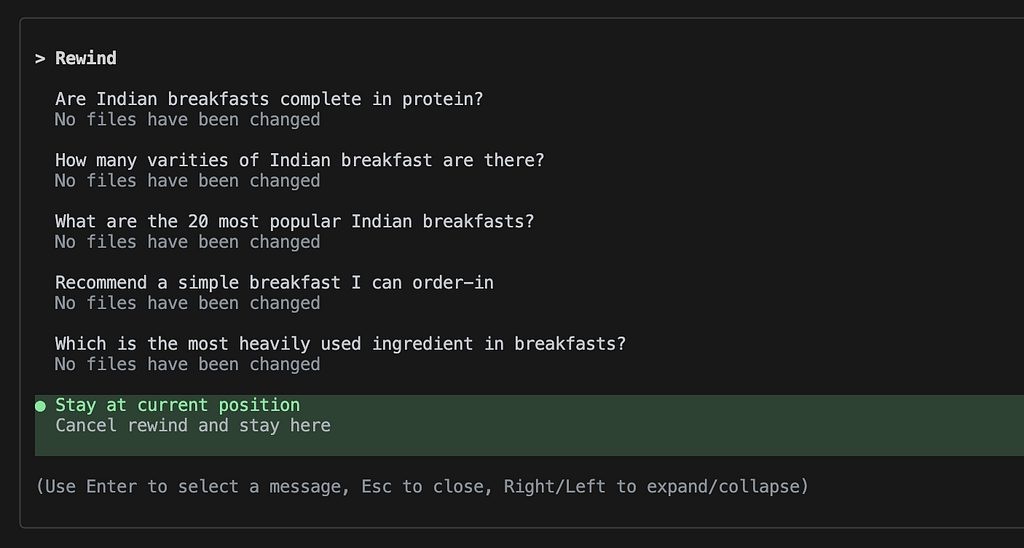
I’ll spare you the trouble of going through all the outputs, but here is a list of the prompts I fired — essentially the same as before, however you can also see that it called the subagent during each run this time.
Yet, the outputs from the final 2 prompts were skewed heavily towards Indian foods and ingredients.
So, yes, what’s happening?
To be continued…
You know what? I need to get on a flight right now, and I am feeling particularly devious.
So why don’t you try to interpret what is happening and let me know in the comments what you think is going wrong, or right?
I will come back with the next part of this blog showing you more behaviour in about 24 hours. 🙂
That should give you enough time to tickle your brain cells, no?
Drop to Demo: Gemini CLI Subagents was originally published in Google Cloud – Community on Medium, where people are continuing the conversation by highlighting and responding to this story.
Source Credit: https://medium.com/google-cloud/drop-to-demo-gemini-cli-subagents-1aea1b2f9578?source=rss—-e52cf94d98af—4
About the Author